Summary
This free AI prompt generator builds a structured image prompt from six choices: subject, setting, look, lighting, lens and mood. It also writes edit instructions for photos you already have, and outputs plain text, Midjourney or Stable Diffusion formats. It uses templates in your browser, with no AI call, no signup and no stored text. Change one field at a time and compare the results.
AI Prompt Generator: Build a Clear Photo Prompt in Seconds
Pick a subject, a look, a light and a lens. Get a structured prompt for new images or photo edits, with Midjourney and Stable Diffusion formats. It runs in your browser, with no AI call and no signup.
What the generator does with your choices
It follows a fixed anatomy
Most image prompts that behave well name the same six things: subject, setting, look, light, lens and mood. The generator puts them in that order, subject first, so the model weighs the thing you care about most.
Camera words come from real optics
A 24mm lens means a wide view with deep focus. An 85mm at f/1.8 means a tight portrait with a soft background. These phrases describe how a real photo looks, which is why models respond to them.
It is templates, not guessing
There is no hidden model. Each dropdown maps to a written phrase, and the tool tells you what is missing. You can read every rule in the output, which makes it easy to learn and to copy into your own prompt library.
From blank box to usable prompt in four moves
-
1
Choose create or edit
Create writes a prompt for a new image. Edit writes an instruction for a photo you already have, with a keep field and a change field.
-
2
Write one concrete subject
Skip adjectives like beautiful or amazing. Name a material, a colour or a count: a red leather sneaker, two ceramic bowls, a woman in a green coat.
-
3
Set the look and the light
Light changes a result more than any other word. If a render feels flat, change the lighting before you touch anything else.
-
4
Copy, run, then change one field
In practice this takes about a minute per variation. Change a single dropdown between runs, otherwise you cannot tell which word made the difference.
Light is the field worth testing first
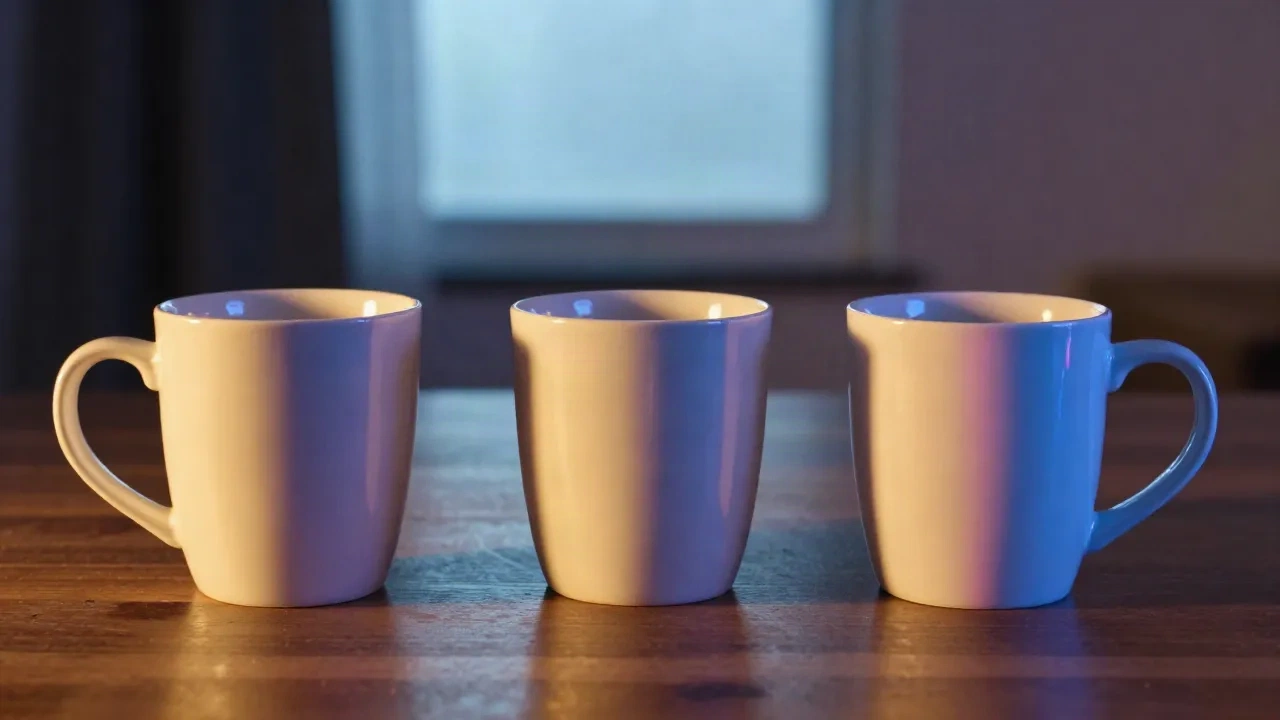
The same mug can look like a catalogue shot, a cosy kitchen scene or a night street, and the only change is the lighting phrase. That is why the generator keeps lighting as its own field. If you are building a feed or a product set, fix the subject and the look, then test three lighting options side by side before you commit to one.
- Works best on a single, concrete subject
- Good for building a reusable prompt library for a feed or a shop
- Edit mode helps when a model keeps changing the face or the product
- Does not judge the result: it cannot see your image, so you still compare the outputs yourself
What a prompt generator cannot do
It cannot promise a result
Models differ, and the same prompt can give a different image on every run. Treat the output as a clean first draft, then iterate.
It cannot see your photo
Edit mode writes the instruction, but it does not analyse your image. If the model changes the wrong area, name that area more precisely in the keep field.
It is generic by design
The phrases suit most general-purpose image models. A tool with a specialised syntax, such as weighted tokens, will need manual tuning on top.
Questions about this AI prompt generator
Is this AI prompt generator free?
Does it call an AI model to write the prompt?
Will it work with Midjourney, Stable Diffusion, Flux or ChatGPT image tools?
What is the edit mode for?
Why does the lens option disappear for some looks?
Is my text stored or sent anywhere?
How do I get a prompt that works on my own photo, not a new image?
Prefer to skip the prompt and transform the photo directly?
Photo Spells runs one-click spells such as season swaps and style changes on your own photo, so you do not write a prompt at all.