Photoshoot AI For Product Photos: What Actually Changes
One phone photo in, a full styled studio shoot out. Here's when an AI photoshoot beats a real one, and the two cases where it doesn't.
Six things a phone camera and Lightroom can't do alone
One photo, full shoot
Upload a single product photo. The AI photoshoot rebuilds packshots, lifestyle scenes and short clips from it, no reshoot per variant.
Reusable AI models
Define a mannequin or model once and reuse it across an entire collection so every listing looks shot on the same day.
Consistent art direction
Lighting, colour and mood carry across a whole catalogue instead of drifting from one AI generation to the next.
Built for marketplaces
Sized and styled for Etsy, Shopify and Amazon listings, not generic stock-photo output that needs cropping first.
Post-edit included
Retouch, resize and generate variations inside the same tool. No round trip through separate editing software.
Days, not weeks
A studio session with samples shipped and a photographer booked takes two to three weeks. An AI photoshoot ships the same day.
How an AI photoshoot actually runs
Four steps, no camera and no calendar coordination with a photographer.
-
1
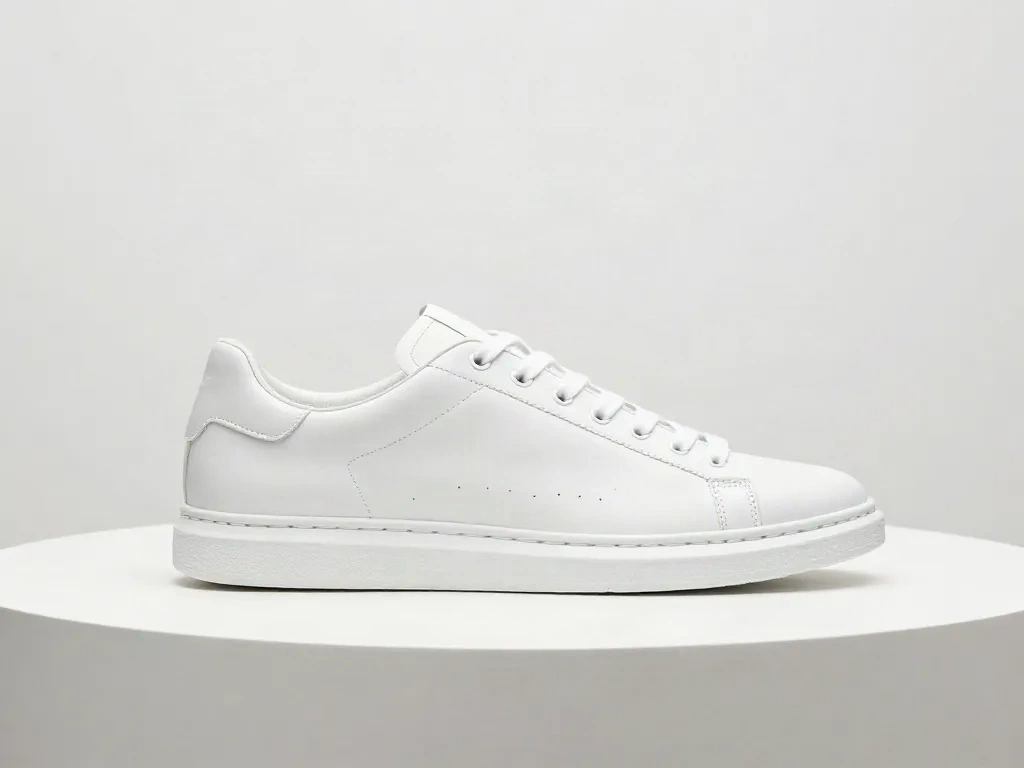
Upload your source photo
Start with one clean shot of the product, on any background. That's the only raw material the AI photoshoot needs.
-
2
Pick the scene and model
Choose a packshot, a styled set, or a virtual model from the pose library, then set the mood: studio white, outdoor golden hour, editorial.
-
3
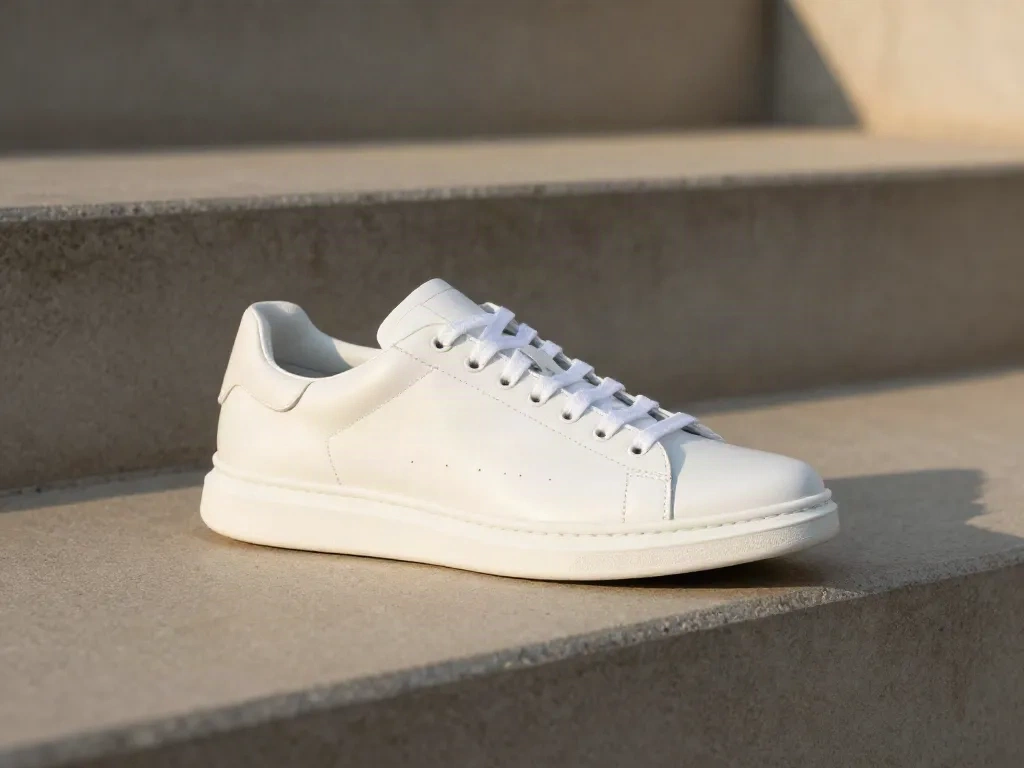
Generate the shoot
The AI photoshoot produces multiple angles and scenes from the source image in minutes, not a studio day.
-
4
Export and list
Download sized files for each marketplace, or push straight to your listings. Retouch inline if a shot needs a small fix.
Apparel: from folded flat-lay to styled shot
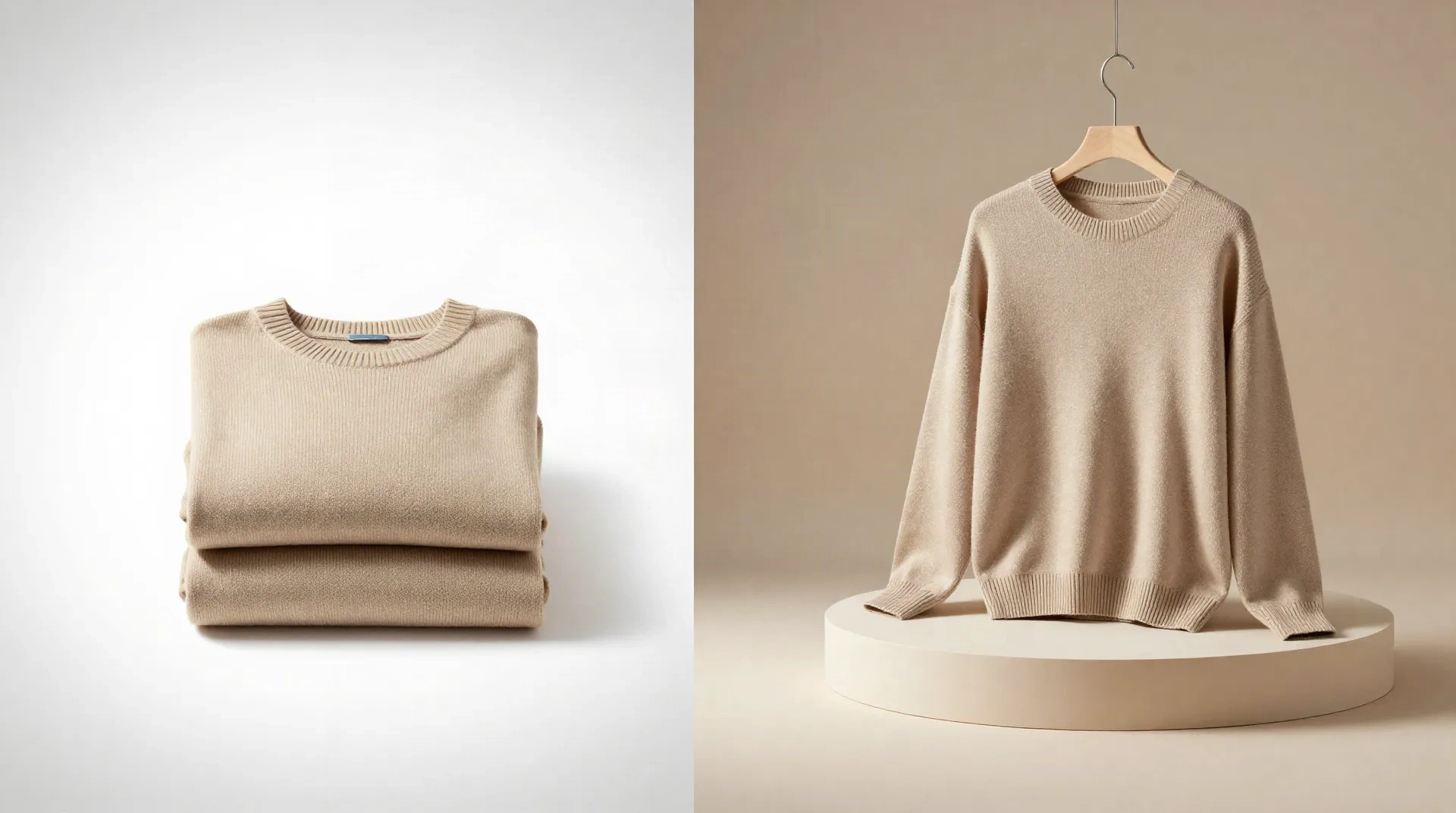
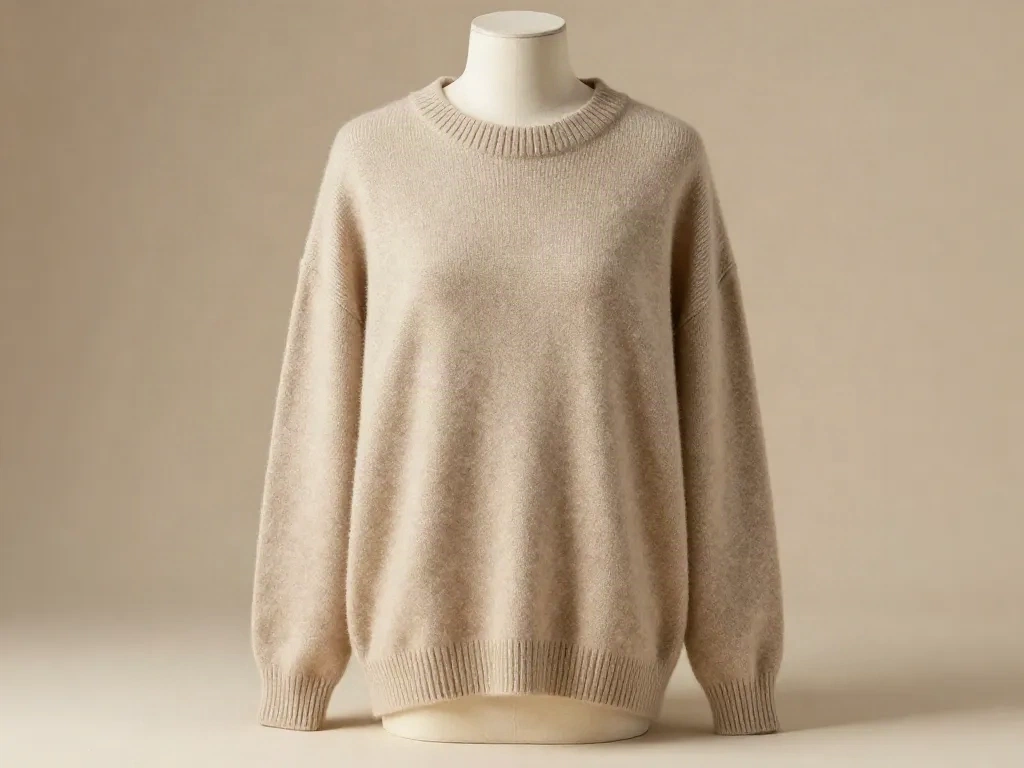
A wool sweater photographed flat on a bed sheet becomes a hanger shot, then a mannequin shot, then a lifestyle shot, all from the same source photo. The AI photoshoot keeps the fabric texture and true colour instead of flattening detail the way heavy background-removal tools do.
- Works well on knitwear, denim and most outerwear
- Struggles with reflective sequins and fine lace trim
- Colour reads close to source, still check under real light before listing
Home goods: consistent light across a whole catalogue
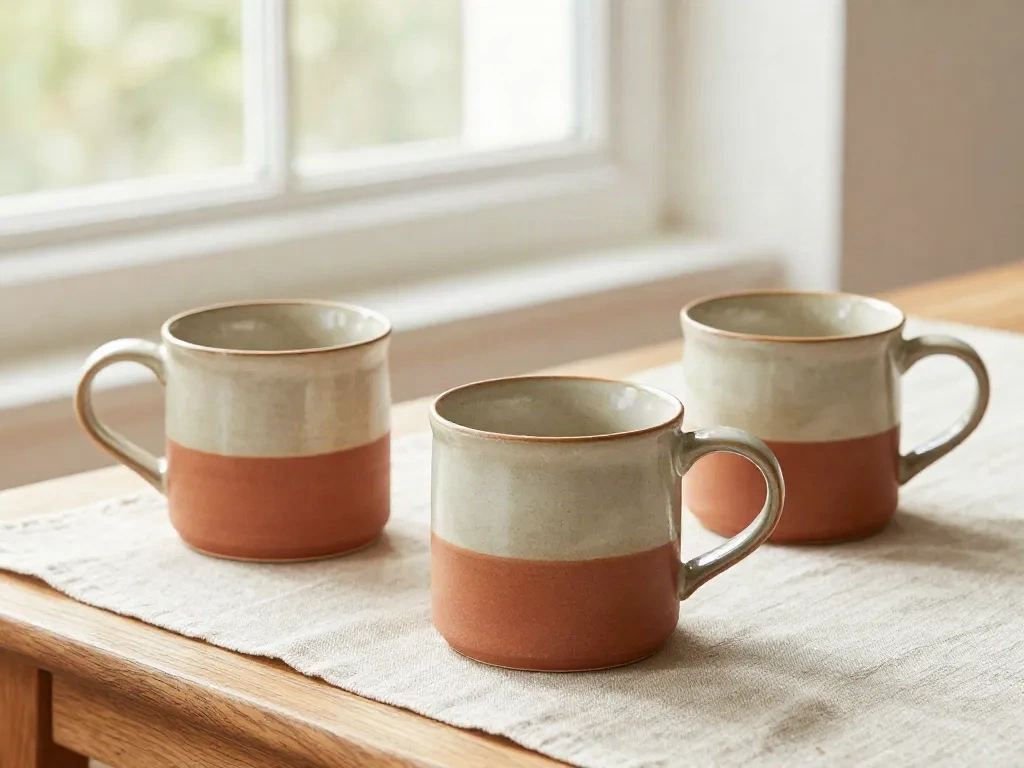
Ceramic mugs, candles and small furniture pieces shot one at a time on a phone rarely match in tone once they sit side by side on a category page. Locking the scene once and running every SKU through it keeps white balance and shadow direction identical across 40 or 400 listings.
- Best suited to small and mid-size objects
- Weaker on very large furniture, scale can read oddly
- Batch mode is where the real time saving shows up
AI photoshoot vs. the other two options
Three ways to get product photos this quarter, compared honestly.
| Criteria | Phone + Lightroom | Hired studio photographer | AI photoshoot (Klayn) |
|---|---|---|---|
| Cost per product | Free, your time only | $40 to $150 per SKU typically | Free first shoot, then priced by volume |
| Turnaround | Same day, if you're skilled | One to three weeks including scheduling | Minutes to hours |
| Consistency across a collection | Depends on your setup discipline | High, one session, one lighting rig | High, same AI model reused |
| Editing skill required | Real, the Lightroom curve is steep | None, the photographer handles it | Low, mostly prompts and presets |
| Best for | One-off hero shots | Flagship campaign shoots | Ongoing catalogue at scale |
What an AI photoshoot with Klayn costs
No published price list beyond the first shoot. Here's what's confirmed.
First shoot
No card required
- One full AI photoshoot to test the fit
- Access to the pose library and virtual sets
- Built-in retouch, resize and variations
Ongoing catalogue
Priced with the Klayn team once your monthly volume is known
- Reusable AI models across collections
- Volume pricing for recurring catalogues
- Same consistency tooling as the free shoot
Common questions
What is an AI photoshoot?
Can an AI photoshoot replace a real photographer?
How much does an AI photoshoot cost compared to hiring a studio?
Does an AI photoshoot work for clothing and apparel?
What's the difference between an AI photoshoot and background removal?
How long does an AI photoshoot take?
Is AI photoshoot output usable on Etsy, Shopify and Amazon?
Run your next product photoshoot without a studio
Upload one photo, get a full shoot back. First one's free.