Custom Christmas Cards Start With the Photo
Custom Christmas cards live or die on the picture. Turn a regular photo into a winter-ready card image in minutes, then add your text and print.
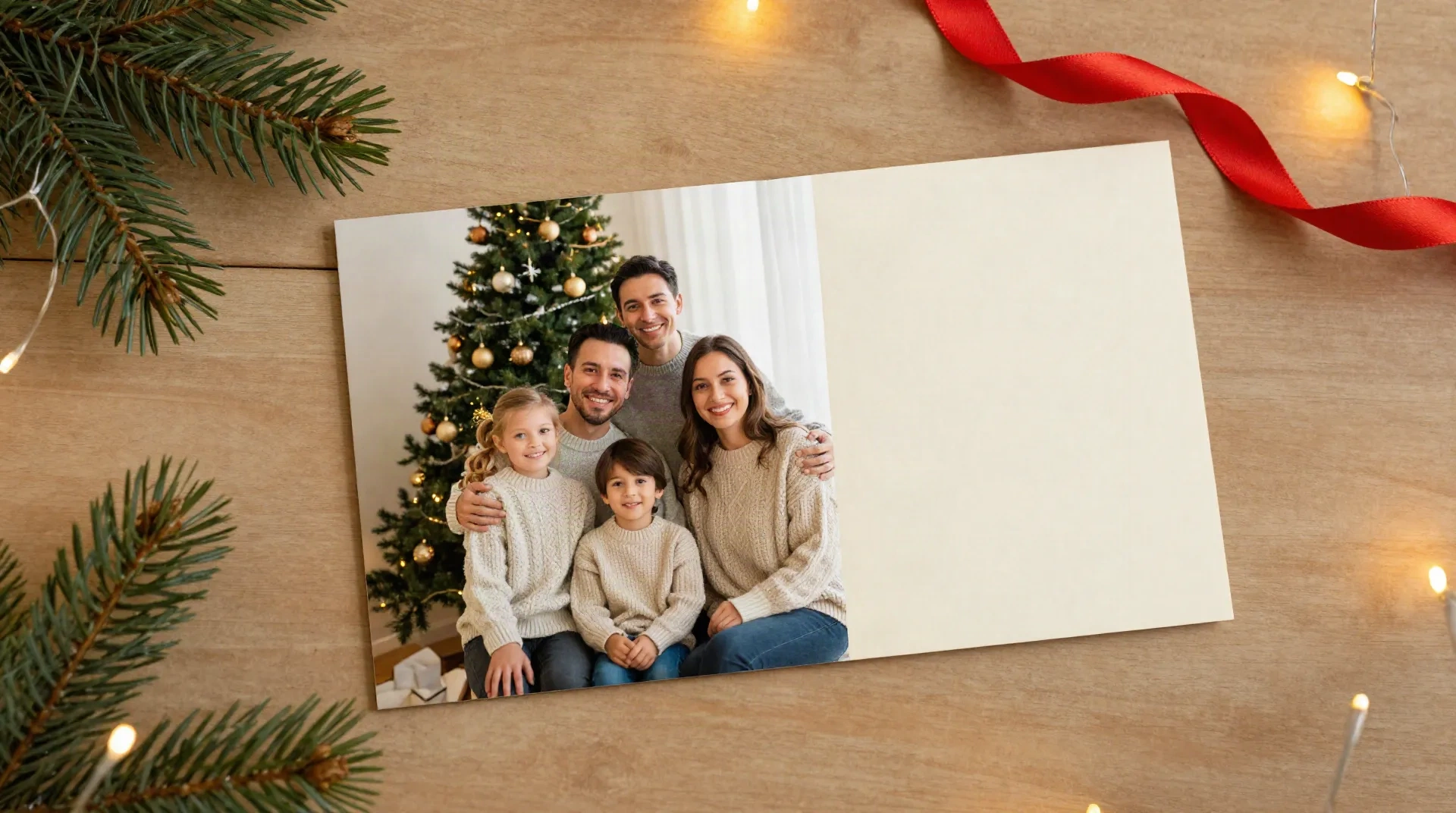
What creators already run through it
Six fixes a card photo usually needs
Winter scene from any season
Season Swap moves a summer garden or a plain living room toward a snowy, wintery look. Your people stay as they are.
Warmer, softer light
Mood Shift rebalances harsh flash or cold indoor light into a warm glow closer to string lights. Works best on even, front-facing light.
Cleaner background
Scene Shift replaces a cluttered room with a tidier setting, so the eye lands on the family, the pet or the product.
Starts from your phone
No new shoot and no prompt to write. Upload the photo you already took at the weekend and pick the spell.
Re-run until it fits
Try two or three looks on the same photo and keep the one that matches your card colors and your message.
Exports for print crops
Download a high resolution file ready to drop into any card editor or print service, with no watermark.
From camera roll to card image in four steps
-
1
Pick your best existing photo
Choose a sharp, front-facing shot with everyone visible. Soft daylight from a window beats a ceiling light. Skip photos where someone is mid-blink.
-
2
Cast Season Swap or Mood Shift
Season Swap changes the scene toward winter. Mood Shift adjusts the light and ambience. Run one, check the result, then run the other if you need both.
-
3
Check faces, edges and hands
Zoom in on eyes, teeth and hairlines before you commit. If an outline looks cut out, try another source photo rather than another scene.
-
4
Download, then add your text
Export the image, crop it to your card size, and add your greeting in a card editor or send it to a print service. Photospells stops at the photo.
A family card that does not look like a staged studio
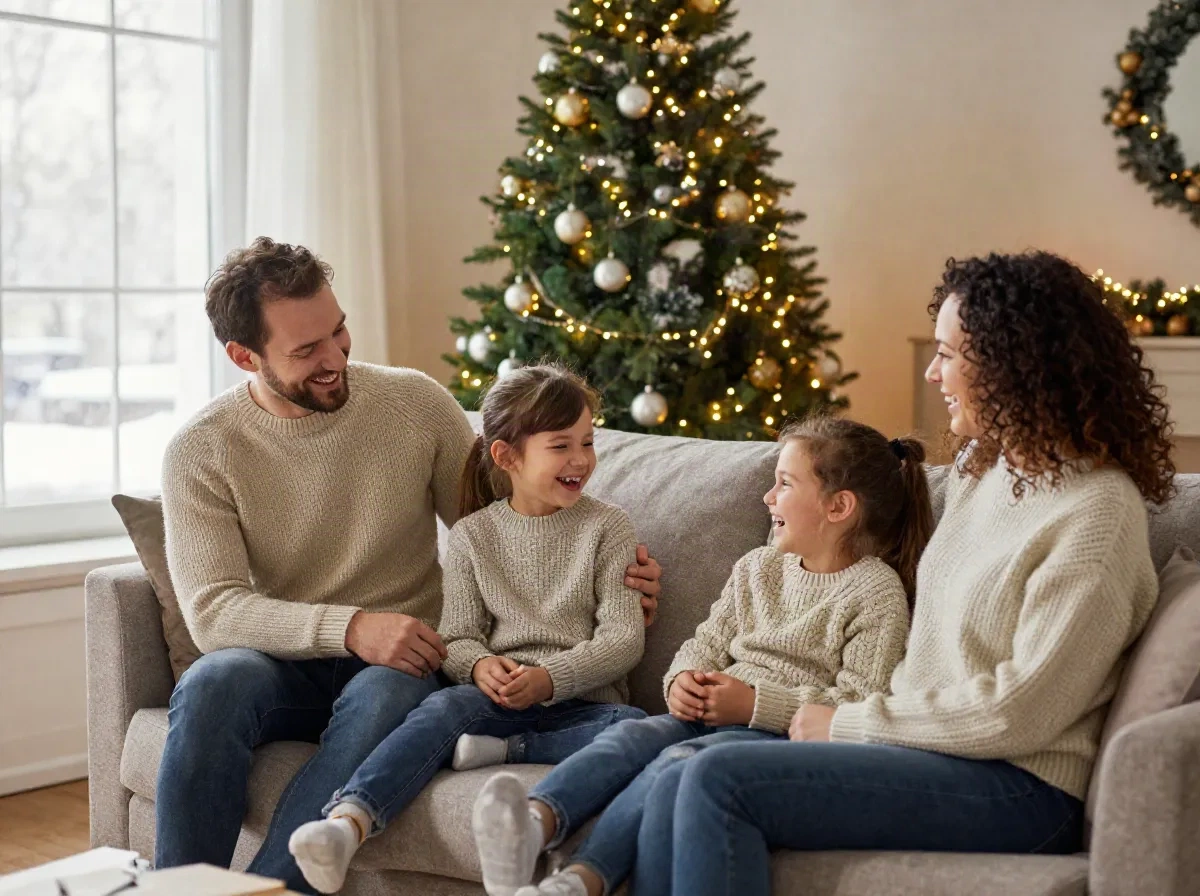
Most family card photos get taken in a hurry: a sofa, a messy side table, flat overhead light. The people are fine. The room is the problem. Run Scene Shift to quiet the background and Mood Shift to warm the light, and the same photo reads as a December evening. In practice, that takes a couple of minutes and one export. The spells work best on a front-facing photo with even light. They struggle when hair, hats or scarves overlap a busy scene, because the edge between the person and the old background gets harder to trace. If kids moved between frames, pick the frame where faces are sharp, not the one where the room looks best.
- Best source photo: front-facing, everyone in frame, even light
- Weak spot: flyaway hair and knit hats against cluttered scenes
- Keeps real faces and clothes, the spell edits the scene and the light
Holiday cards that match your shop and your brand
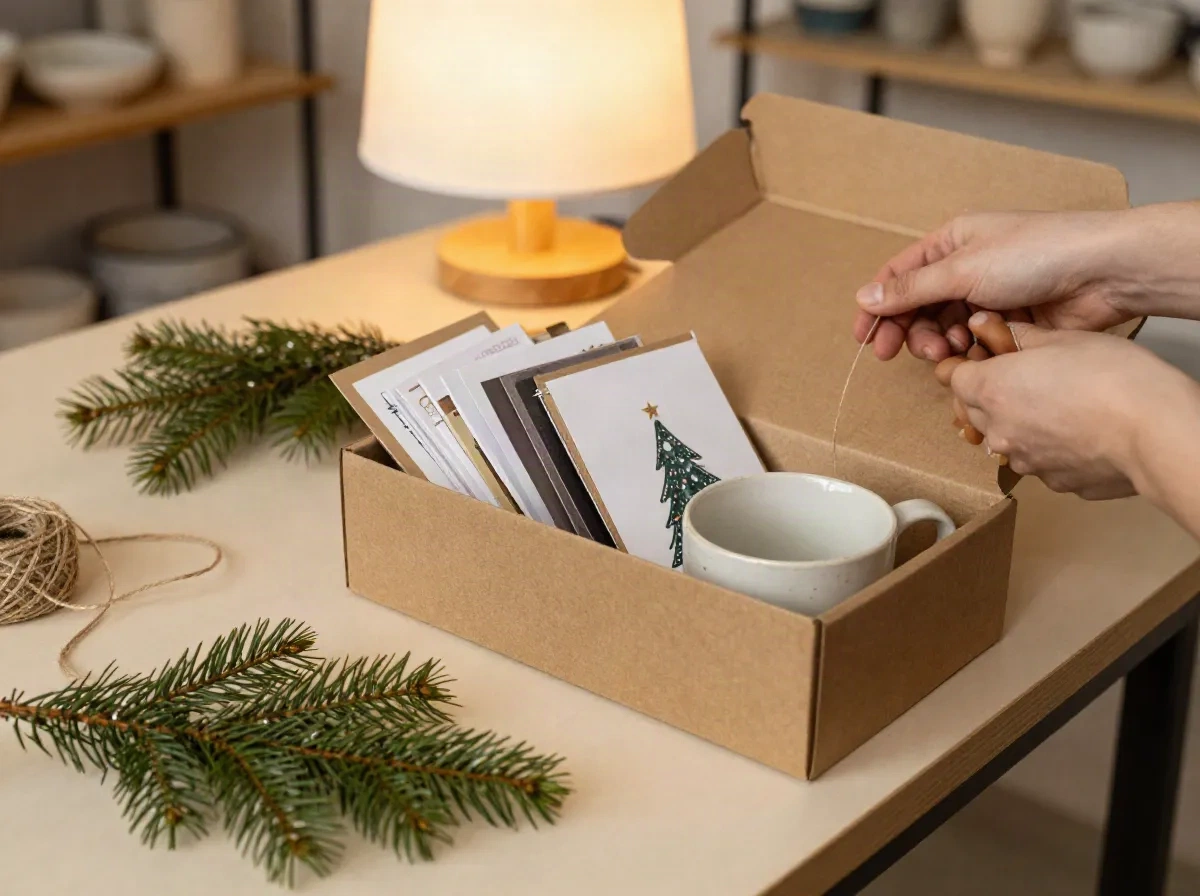
If you run an Etsy or Shopify shop, your cards go into parcels and out to repeat customers. A card photo that looks like your products, your workspace and your colors builds more trust than a generic stock scene. Take a photo in your real studio, then use Season Swap to add the winter mood and Mood Shift to bring up soft daylight or lamplight. Run the same spell on a batch of five product or team photos and the set will feel consistent. The honest limit is that no spell invents a studio you do not have. If the source photo is blurry or far away, the result stays blurry, just in a nicer room. Retake the photo first when the card goes to a client list.
- Good for shop inserts, client thank-you cards and team greetings
- Batch 5 photos at once on Enchant, 50 on Arcane
- Blurry or distant source photos stay blurry
Photospells vs card templates vs a holiday photo shoot
The question is not which one is best. It is which job you have.
| What matters | Photospells | Card template sites | Mini photo session |
|---|---|---|---|
| What it does | Transforms the photo: scene, season, light | Gives you layouts, fonts and print | Takes a new photo from scratch |
| Starting point | A photo you already have | A photo plus a template | A booking and a shoot day |
| Time to a result | Seconds per photo | Minutes per card design | Days to weeks including edits |
| Text, layout and printing | Not included, use a card editor | Built in | Not included |
| Best for | Making the card photo winter-ready | Finished cards, fast ordering | High stakes portraits |
| Main limit | Needs a decent source photo | Photo quality stays as it was | Cost and scheduling |
Start free, pay only for volume
Plans listed on photospells.com. Check the pricing page for current limits.
Spark
Try the spells on your own photos
- 10 spells per month
- 1024px max resolution
- Basic spells
Enchant
For creators posting on a schedule
- 150 spells per month
- 2048px max resolution
- All spells unlocked
- Batch processing, 5 at once
Arcane
For teams and heavy use
- Unlimited spells
- 4096px max resolution
- API access
- Batch processing, 50 at once
Common questions about custom Christmas cards
Can Photospells make custom Christmas cards with text and print them?
How do I turn a normal family photo into a Christmas card photo?
Will the faces still look like us?
Is the resolution good enough to print?
Can I use one spell on a whole batch of card photos?
What is a good source photo for a holiday card?
Is it free to try?
When should I start if I want cards in the mail on time?
Make your card photo today
Upload one photo, cast a spell, check the result. Ten spells are free every month.