AI Poster Generator: Turn Your Photo Into Poster Art
Upload one photo, cast Style Alchemy, and get a poster-worthy image in under two minutes. No text boxes, no layout grid to fight.
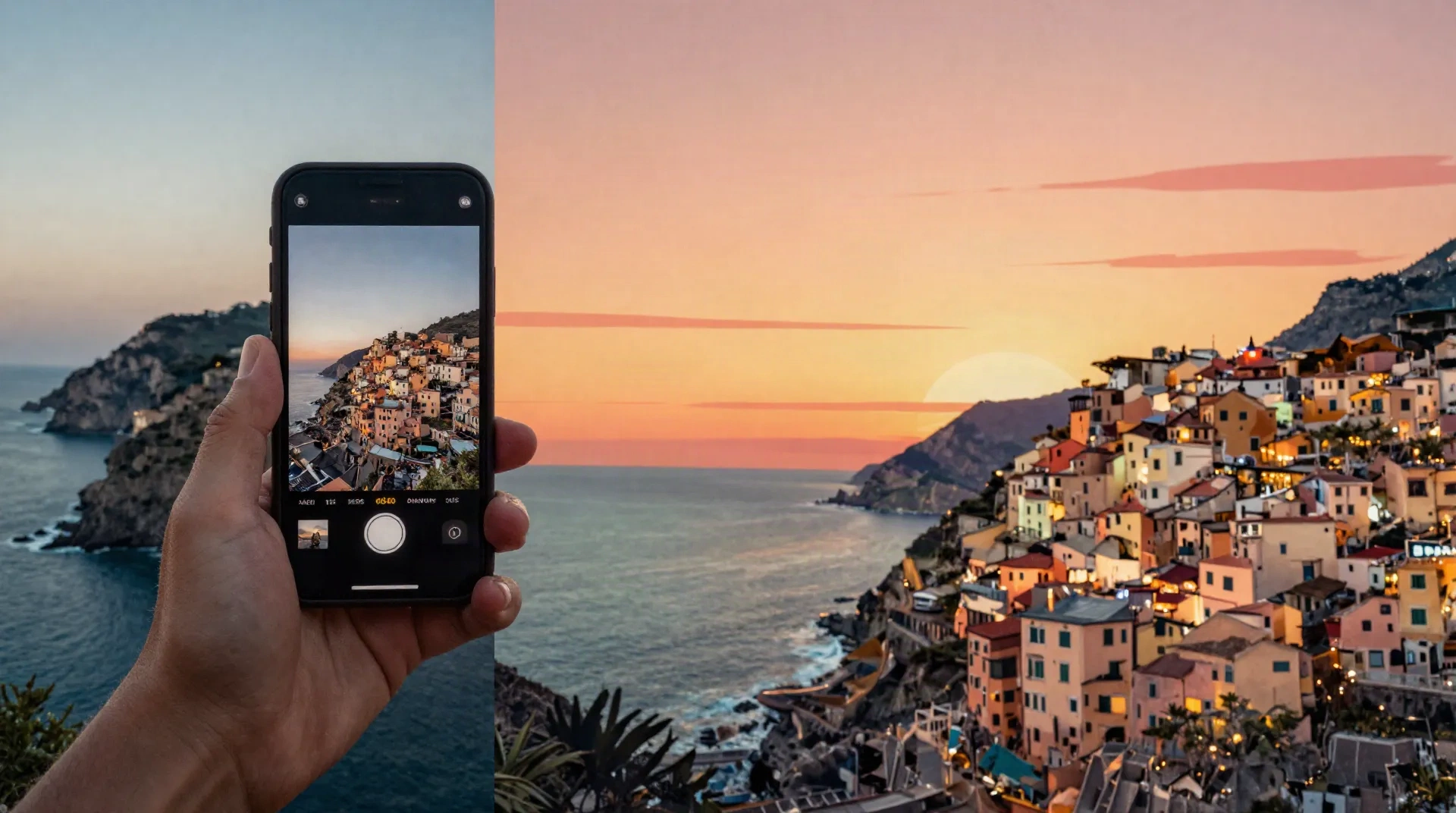
What Style Alchemy changes in your photo
One-click style transformation
Upload a photo, pick a poster look, and the spell repaints it in under two minutes. No brush tool, no layers to manage.
Vintage travel poster looks
Turn a phone snapshot into the kind of warm, flat-color travel poster you would frame, not scroll past.
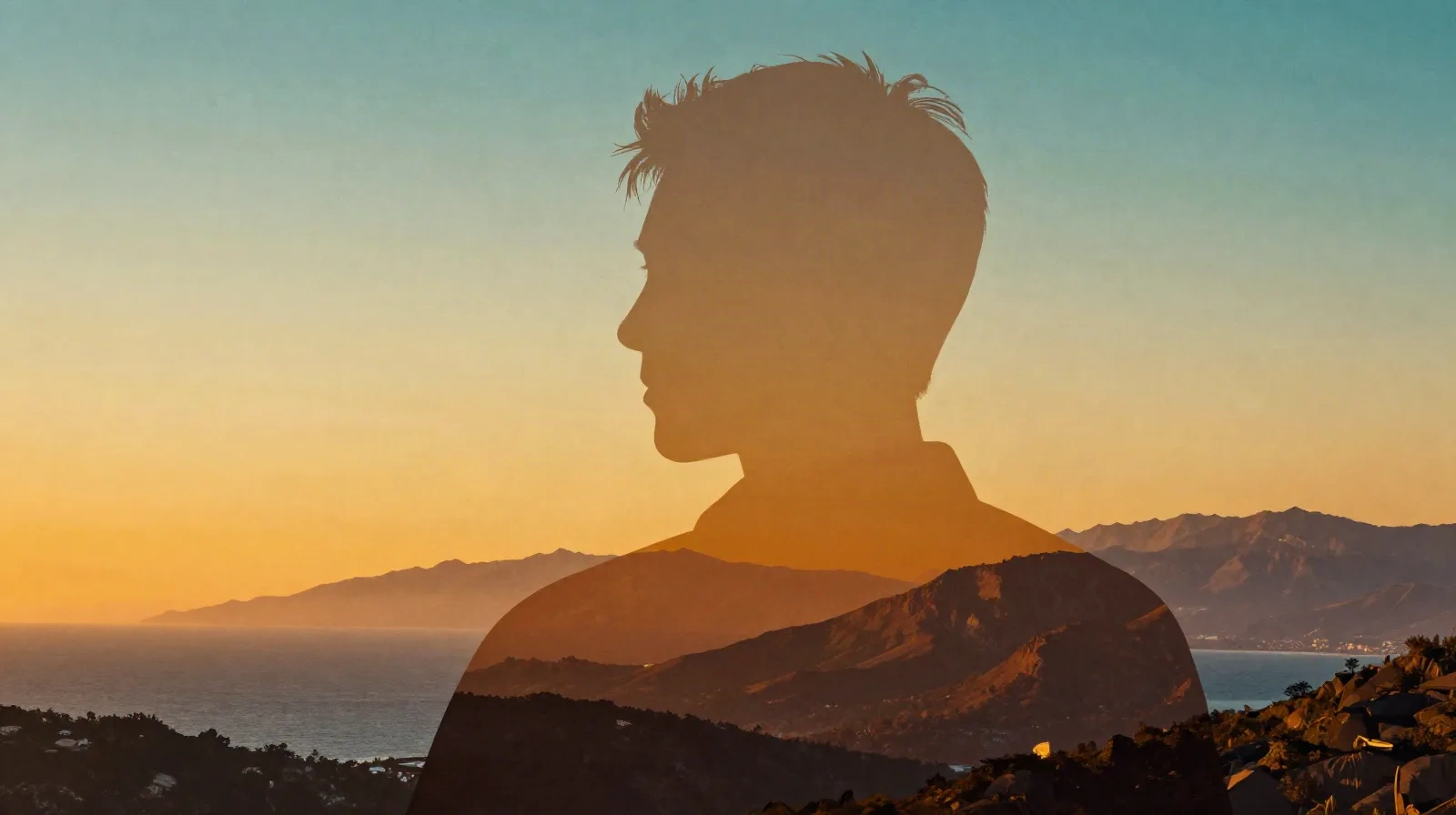
Double-exposure silhouette style
Fill a portrait silhouette with a landscape scene, the format that spread across Instagram and TikTok through August 2026.
Print-ready resolution
Export at a size that holds up on an Etsy listing photo or a framed print, not just a phone screen.
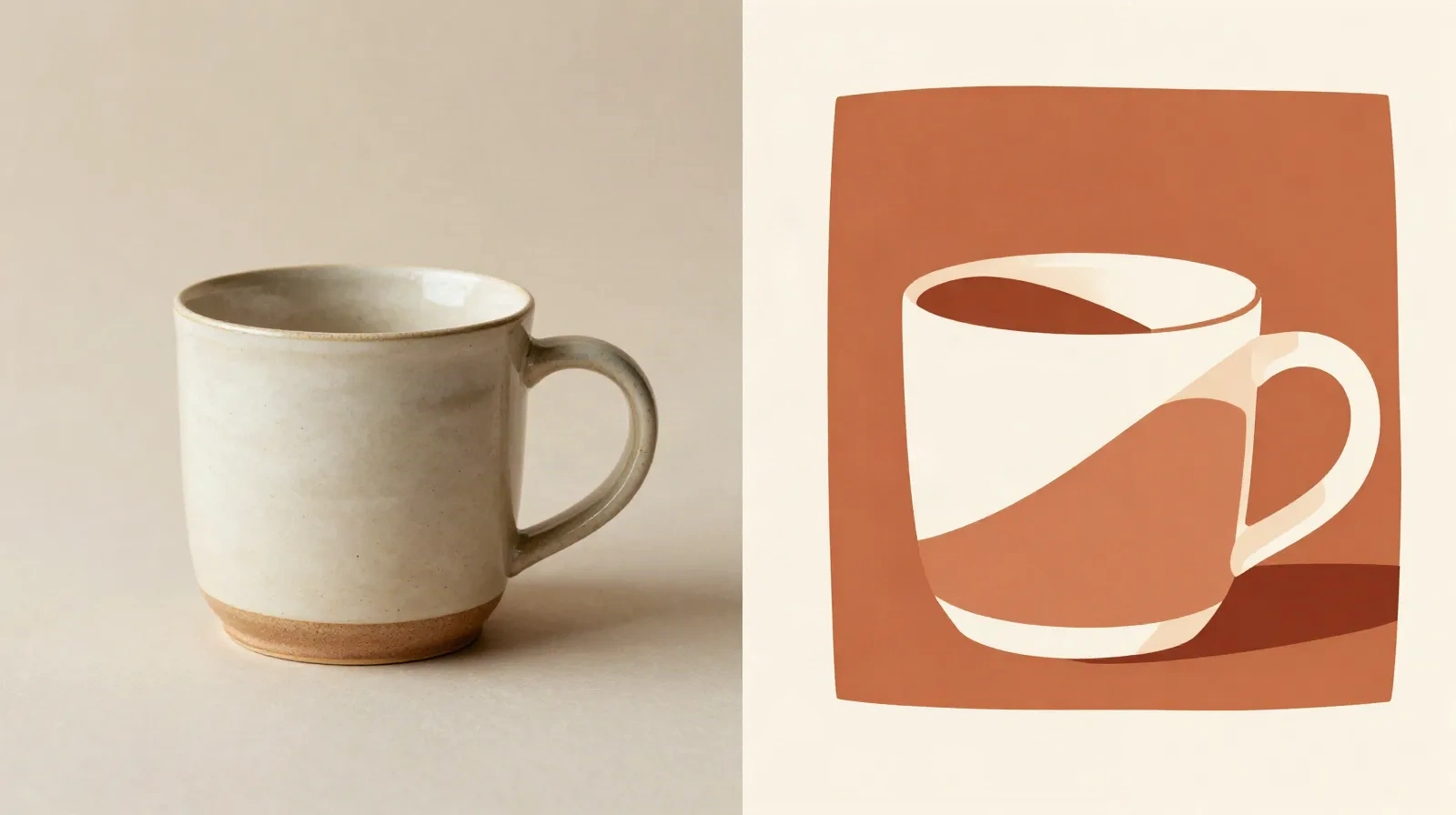
Works on product photos too
Not just portraits and landscapes. A studio shot of a mug or a candle gets the same poster treatment.
No layout skills required
You are not learning a design tool. You pick a spell, the model handles composition, color, and shape.
From photo to poster in three steps
-
1
Upload your photo
A travel shot, a portrait, or a product photo. Straight-on or three-quarter angle works best.
-
2
Cast Style Alchemy
Pick a poster look, vintage travel, double-exposure silhouette, or minimalist flat color, and launch the spell.
-
3
Download or list it
Get the result in under two minutes, ready to post, print, or drop straight into an Etsy listing.
For sellers who need a poster, not a photoshoot
Etsy and Shopify sellers use Style Alchemy on a plain studio product shot to get a poster-style image for a listing header, a seasonal banner, or a print-on-demand mockup. The spell keeps the object recognizable and rebuilds the background and color palette around it. It coins on flat-color, poster-grade art. It does not lay out multi-element designs with text, price tags, or grids, that is still Canva or Piktochart territory. Think of it as the image half of a poster, not the whole poster.
- Works from one existing product photo, no new shoot
- Keeps the product shape and proportions recognizable
- Best for single-subject shots, not cluttered flat-lays
The double-exposure travel poster, without the prompt engineering
The trend is a silhouette of someone's head and shoulders filled in with mountains, a skyline, or ocean waves, and it moved from a handful of posts to Instagram Reels and TikTok fast. Getting a clean silhouette and a well-matched scene by typing a prompt takes trial and error. Style Alchemy runs the same transformation as a preset, so the silhouette holds its shape and the scene inside it stays coherent on the first try, most of the time. It works best on a clear, well-lit photo with visible shoulders. Busy backgrounds or side lighting make the silhouette edge messier.
- Best source photo: straight-on or three-quarter, visible shoulders, even light
- Weaker on group photos or photos with a cluttered background
Common questions
What is an AI poster generator?
Can Style Alchemy add text, like a title or a date?
How is this different from Canva's poster maker?
What is the best photo to start from?
Is the output print resolution?
Does the double-exposure silhouette style work on any portrait?
Is there a free way to try it?
Does this replace a graphic designer for event posters?
Turn your next photo into a poster
One photo in, one poster-style image out, no design software to learn.