AI Headshot Generator That Starts From Your Photo
Upload a photo you already have, swap the messy background and fix the light. A usable headshot in seconds, with an honest look at where it falls short.
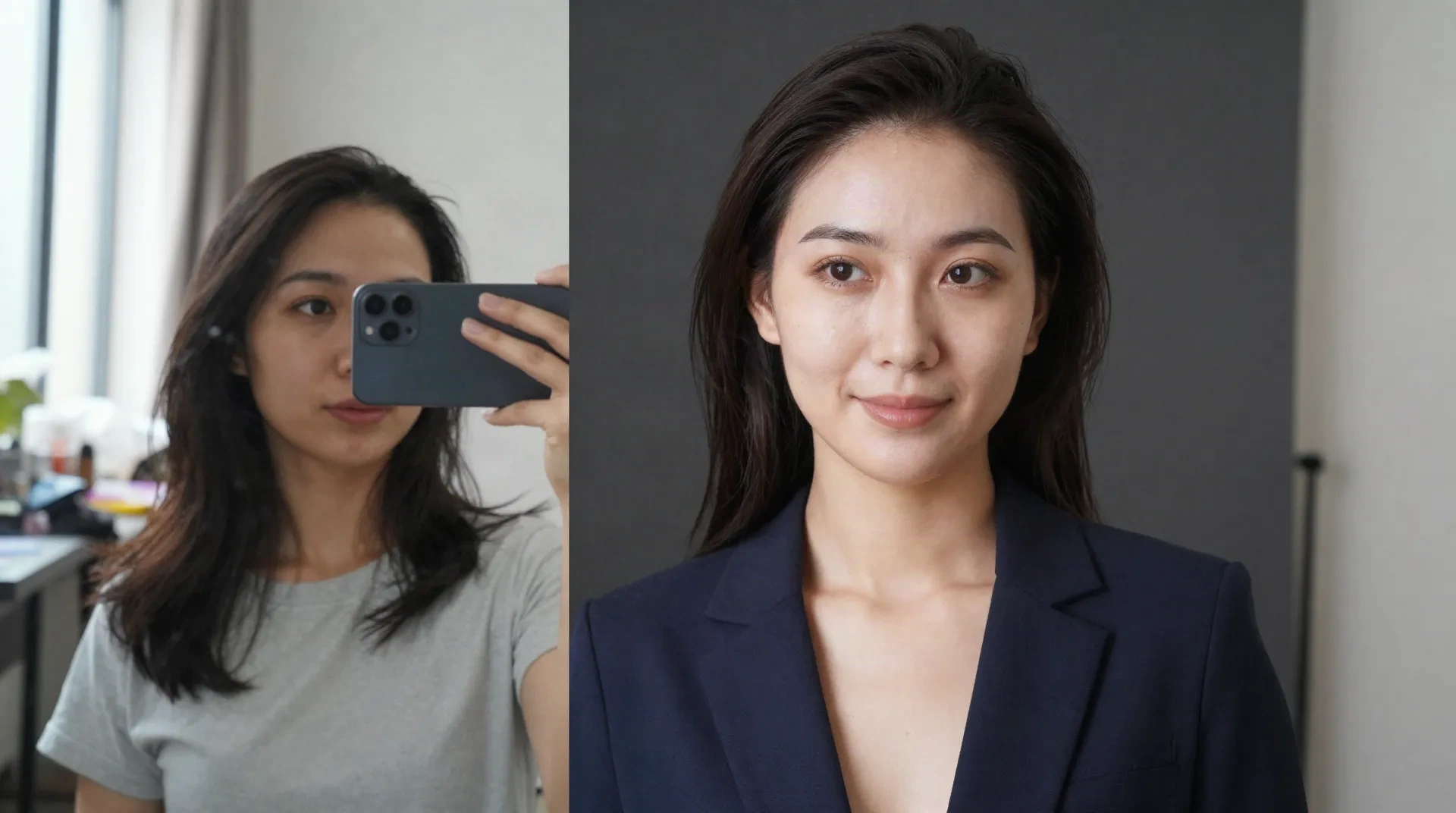
What creators already run through it
Four jobs a headshot has to do
Cleaner background
Scene Shift moves you out of the kitchen and into a neutral studio or soft office backdrop. Your face and clothes stay your own.
Better light
Mood Shift rebalances harsh window light or dim indoor shots into something closer to a softbox. Works best on even, front-facing light.
Starts from your phone
No new shoot, no prompt to write. You upload the selfie or the casual photo and pick the spell.
Fits profile crops
Export keeps enough resolution for a LinkedIn photo, a team page or an Etsy about section, not just a phone preview.
Seconds, not sessions
A transformation returns in seconds. Booking a photographer, travelling and waiting for edits is a different timeline.
Re-run until it fits
Try two or three backgrounds on the same photo and keep the one that matches your brand colors.
From casual photo to headshot in three steps
-
1
Upload your best existing photo
Pick a sharp, front-facing shot with your shoulders in frame. Soft daylight from a window beats a ceiling light.
-
2
Cast Scene Shift or Mood Shift
Scene Shift replaces the background. Mood Shift adjusts the lighting and ambience. Run one, check the result, then run the other if you need both.
-
3
Check the face, then download
Zoom in on eyes, teeth and hairline before you post. Download the high resolution export, no watermark.
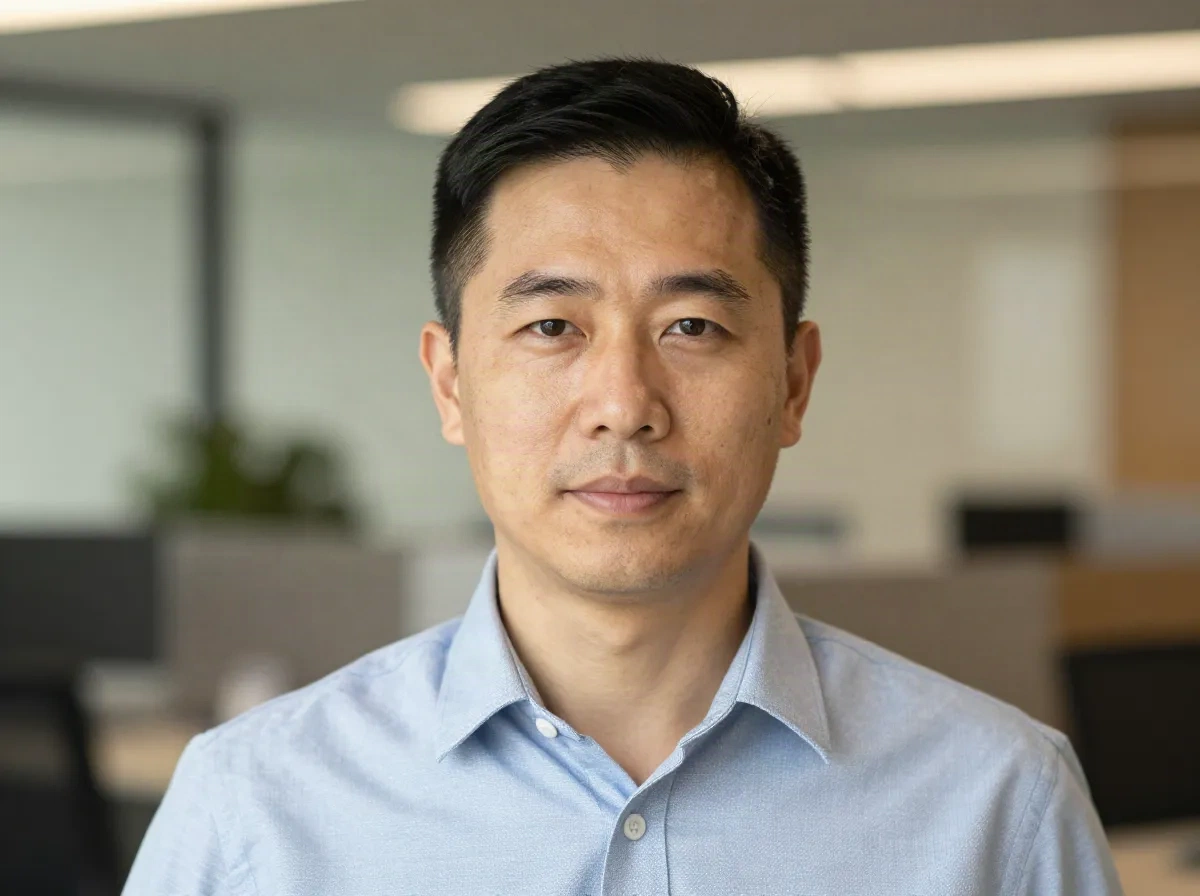
A LinkedIn photo that matches your job title
A consultant, recruiter or founder usually needs one thing from a headshot: to look like the person people expect to meet. Take a decent photo against a plain wall, run Scene Shift to settle on a quiet office or studio backdrop, and use Mood Shift to even out the light across your face. In practice, that takes a couple of minutes and one export. The spell works best on a straight-on photo with even light. It struggles when your hair or glasses overlap a busy background, because the edge between you and the old scene gets harder to trace. If the outline looks cut out, try another source photo rather than another background.
- Best source photo: front-facing, shoulders visible, even light
- Weak spot: flyaway hair and glasses against cluttered scenes
- Keep clothes and expression honest, the spell edits the scene, not you
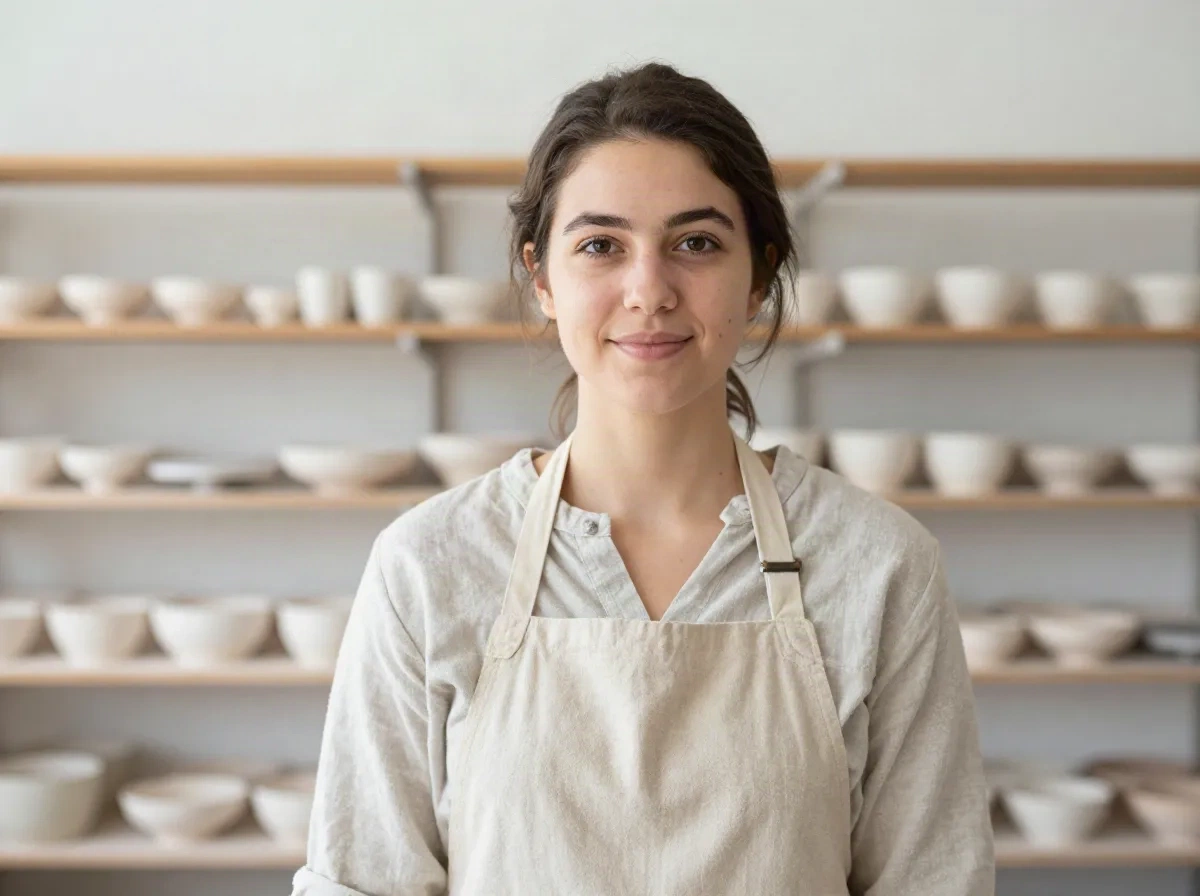
An about-page portrait that sells the maker
Etsy and Shopify buyers want to see who made the thing. A portrait in your studio, with your shelves behind you, builds more trust than a stock-looking corporate backdrop. So the useful move here is the opposite of a generic office: keep a real workspace, then use Scene Shift to tidy a messy table or Mood Shift to bring up soft daylight. Use it for your shop about section, a newsletter signature or a press kit. The honest limit is that no spell invents a studio you do not have. If your photo is blurry or far away, the result will be blurry too, just in a nicer room. Retake the photo first when it matters.
- Keeps a real, readable workspace behind you
- Good for shop about pages, press kits and email signatures
- Blurry or distant source photos stay blurry
Photospells vs studio shoots vs from-scratch headshot apps
The question is not which one is best. It is which job you have.
| What matters | Photospells | Studio session | From-scratch headshot apps |
|---|---|---|---|
| Starting point | A photo you already have | A booking and a shoot day | Several selfies uploaded for training |
| Time to a result | Seconds per photo | Days to weeks including edits | Minutes to hours of generation |
| Looks like you | Your own face, kept as is | Fully you | Varies, check every output |
| Control over background | Pick a scene, re-run freely | Set by the studio | Set by a preset pack |
| Best for | Profile photos, about pages, social | Corporate sites, print, high stakes | Many styles from few photos |
| Main limit | Needs a decent source photo | Cost and scheduling | Can drift from your real face |
Start free, pay only for volume
Plans listed on photospells.com. Check the pricing page for current limits.
Spark
Try the spells on your own photos
- 10 spells per month
- 1024px max resolution
- Basic spells
Enchant
For creators posting on a schedule
- 150 spells per month
- 2048px max resolution
- All spells unlocked
- Batch processing, 5 at once
Arcane
For teams and heavy use
- Unlimited spells
- 4096px max resolution
- API access
- Batch processing, 50 at once
Common questions about AI headshots
What is an AI headshot generator?
Is Photospells a from-scratch AI headshot maker?
Which photo gives the best headshot?
Will it still look like me?
Can I use the result on LinkedIn or a company site?
How long does it take?
Is there a free way to try it?
When should I hire a photographer instead?
Fix your profile photo today
Upload one photo, cast a spell, check the result. Ten spells are free every month.