Virtual Product Photography: What Actually Works in 2026
Summary
Virtual product photography uses AI to generate styled product scenes without a studio visit. For smooth-surface products like ceramics and glassware, current tools deliver catalog-ready images at $3-12 per SKU versus $85-250 traditionally. The workflow requires clean source photos and suits catalog refreshes well. Brand hero images and texture-heavy products still need a real shoot. Most experienced e-commerce operators run a hybrid approach.

Virtual product photography replaces the studio visit with a transformation model: you upload one clean photo of your product, and the AI places it in a styled scene: marble kitchen counter, linen-draped table, outdoor terrace. For Etsy sellers and Shopify store owners running catalogs of 30 to 100 SKUs, that's a meaningful shift. In practice, the result works on some product types better than others. Here's what the conversion data and my own experience running a ceramic homeware shop actually tell you.
What virtual product photography actually delivers
The core promise is clear: skip the studio booking, shoot once on a plain background, then generate 10 scene variations from that single source photo.
The economics hold up. Traditional studio photography runs $85 to $250 per SKU when you factor in the photographer, lighting, props, retoucher, and delivery time. AI-generated product scenes land at $3 to $12 per image. That's not a slight improvement. That's the difference between spending $4,250 on a 50-product catalog refresh and spending under $200.
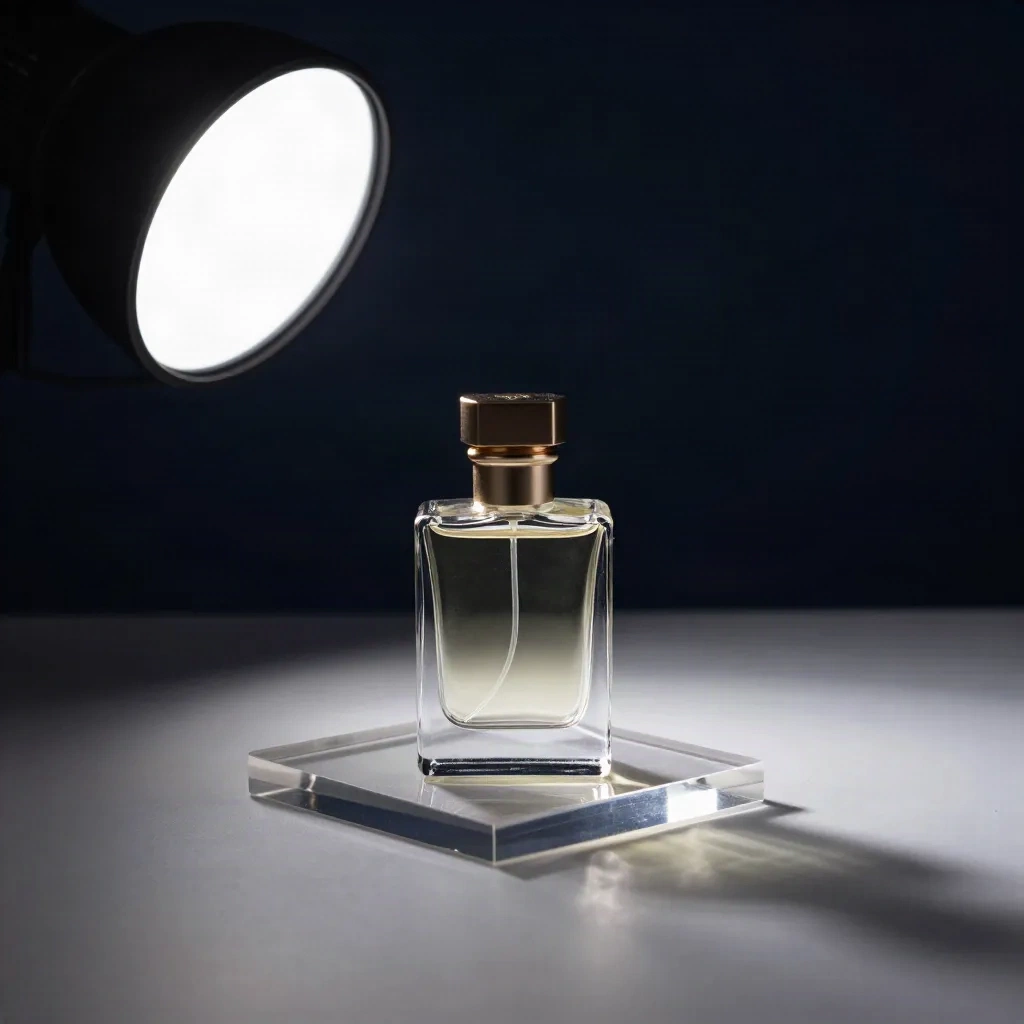
Where the comparison gets complicated: the quality ceiling. AI-generated scenes are trained on millions of professional product photos, and for smooth-surface products (ceramics, glass bottles, metallic objects, packaged goods), the output is often indistinguishable from a real shoot. The light behaves correctly. Shadows fall in the right places. Reflections read as natural.
For texture-heavy products, the story changes.
Knits, velvet cushions, leather goods: the models flatten surface detail in ways that aren't immediately obvious on mobile screens but become clear on desktop or in zoom mode. It's not that the scene looks bad. It's that the product inside the scene stops looking real. A linen pillow that should read as nubby and tactile ends up looking like a rendered object in a still life. This sort of transformation works best on products where the beauty is in the shape and the glaze, not the hand feel.
The $85 per SKU problem and how AI changes the math
I had 42 ceramic listings that needed refreshing before the holiday season. Two years ago, that meant booking a photographer, renting a prop kit, spending a Saturday morning on the shoot, waiting 10 days for edited files, and paying around $2,800 all in.
In 2024, I ran the same 42 products through an AI background swap tool in four sessions across two evenings. Total cost: under $90.
The output was not perfect. Six listings needed a second pass because the tool misread the glaze color in low-contrast lighting. But 36 came out clean on the first generation. That ratio is consistent with what other sellers in my Etsy network report: 80 to 85% clean on the first try, 15 to 20% need a second prompt or a source photo swap.
The source photo quality is the actual bottleneck. Not the AI.
Sellers who feed the tool a rushed shot with uneven lighting, slight blur, or a background not fully clean get uneven output. The model works from what it has. A clean, well-lit source photo on plain white or gray, even shot on a phone with a simple lightbox, is what makes the difference between an 80% pass rate and a 95% pass rate.

Three approaches to virtual product photography: which fits your catalog
Not all virtual product photography tools work the same way. Three distinct models are in use right now:
Background replacement with scene placement. You upload a product photo, choose a scene type (marble counter, coffee table, forest floor), and the tool places your product into that scene while generating appropriate shadows and lighting. This is the fastest and least expensive path. Works best for standalone hard-surface products and gets most catalog jobs done.
Full image regeneration from existing shots. The model uses your product as a reference and regenerates the entire image (background, lighting, even the product's surface finish) to match the target scene's aesthetic. Higher quality ceiling, longer processing time, higher per-image cost. Useful for complex products or premium lifestyle contexts where scene-placement produces generic results.
3D digital twin generation. Some platforms build a 3D model of your product from multiple angles and generate infinite styled images from that model. Setup cost is higher (typically $50 to $150 per SKU for the 3D modeling step), but you can generate images in any orientation, in any scene, without re-uploading the product. Works best for brands with stable catalogs needing high-volume content across multiple markets.
Which approach you need depends on your catalog size, product type, and how often you refresh listings.
The workflow that passes for Etsy sellers right now
Here's the exact process that's working for ceramic and homeware sellers:
Step 1: Build a clean source photo. Shoot your product on white or light gray. Natural daylight from a window is enough (no studio required). Aim for even, diffused light with no harsh shadows on the product itself. One clean source photo per SKU is all you need.
Step 2: Background clean-up pass. Run the source through a background removal tool before hitting the scene generator. A clean cutout gives the scene-placement model a precise edge to work from. This is where most quality failures start: a rough edge or a stray shadow in the source creates artifacts in the generated scene. The fix takes 30 seconds.
Step 3: Scene selection by listing context. Match the scene to what your buyer expects. For a ceramic mug sold as a morning ritual item, a wooden table with warm side-light reads as correct. For jewelry, marble with soft shadows. For anything positioned as outdoor or garden-adjacent, a terrace or natural surface. The scene should match the mental image your buyer already has, not surprise them.
Step 4: Batch and iterate. Run all your products through the scene in batches. Review. Flag anything that didn't pass. Adjust the source photo or switch to a different scene prompt. The iteration loop takes minutes, not days.
A full 40-listing refresh runs in about 3 to 4 hours of active work including source photo prep. The output is ready for Etsy, Shopify, and Amazon without additional editing on products that pass clean.

What still needs a real camera
Virtual product photography is not a replacement for all photography. It's a replacement for catalog shots and listing refreshes. Three categories still need a real shoot:
Brand hero images. The one image that defines how people recognize your product. The homepage shot. The collection image. The Instagram post that runs as an ad. AI-generated scenes have a sameness to them: trained on data that makes them look competent in a generic way, but struggling to carry the specific visual identity that makes a brand recognizable across platforms. A real shoot, with real light and real styling decisions, produces that identity layer.
Texture-dependent products. Knitwear, hand-stitched leather, woven textiles, thick-pile rugs. The customer is buying the texture, and the model flattens it. Worth testing your specific product to see where the threshold falls, but plan on real photography for anything where surface detail is the primary purchase driver.
Complex multi-product compositions. Table settings with 8 pieces. Skincare routines with 12 products arranged in a flat lay. The more elements in the composition, the more the model struggles with spatial coherence. Single-product shots are its strength.
The hybrid approach (AI for catalog and listing refresh, real shoots for hero images) is what 67% of leading e-commerce operators currently budget for, according to 2026 industry data.
The return rate signal worth paying attention to
One data point that changed how I think about this: return rates drop by 23% when product images accurately represent what the customer receives.
That number works in both directions. Accurate, well-matched images reduce returns. AI-generated images that make a product look more polished than it is in person (better lit, more refined, staged in a context that implies a quality tier the product does not reach) can increase returns.
The question to ask before publishing an AI-generated listing photo: does this image represent what shows up in the mailer bag? If yes, run it. If it's aspirational to the point of being misleading, reshoot.
This is a business argument, not a moral one. A 23% reduction in returns on a 50-product catalog at an average order value of $45 is worth more than the photography savings.
Should you test this quarter or wait for the tools to get better
The tools are better than they were 18 months ago. The gap between AI-generated product scenes and real product photography has closed on smooth-surface products to the point where it's no longer a meaningful concern for most catalog use cases.
If you're spending $2,000 to $4,000 per season on photography for a product line that lends itself to AI generation, the cost of waiting is real and measurable.
The practical starting point is a test batch of 10 products. Run them through a scene tool, compare the output to your existing photos, put both versions on the same listing for two weeks, and read the conversion data. That tells you more than any benchmark report. All the tools below offer free tiers or low-cost trial credits. In practice, 10 test images cost under $5 and an afternoon.