Midjourney Prompts Guide: What Works for Creators in 2026
Summary
This midjourney prompts guide covers the four-part structure behind every effective prompt, the v6.1 parameters that change output quality, and product photography techniques for e-commerce and social content creators. It documents three key failure patterns most articles skip: anatomical limits, product text hallucination, and multi-product composition failures. Built for creators who need production-usable Midjourney results, not just visually impressive generations.
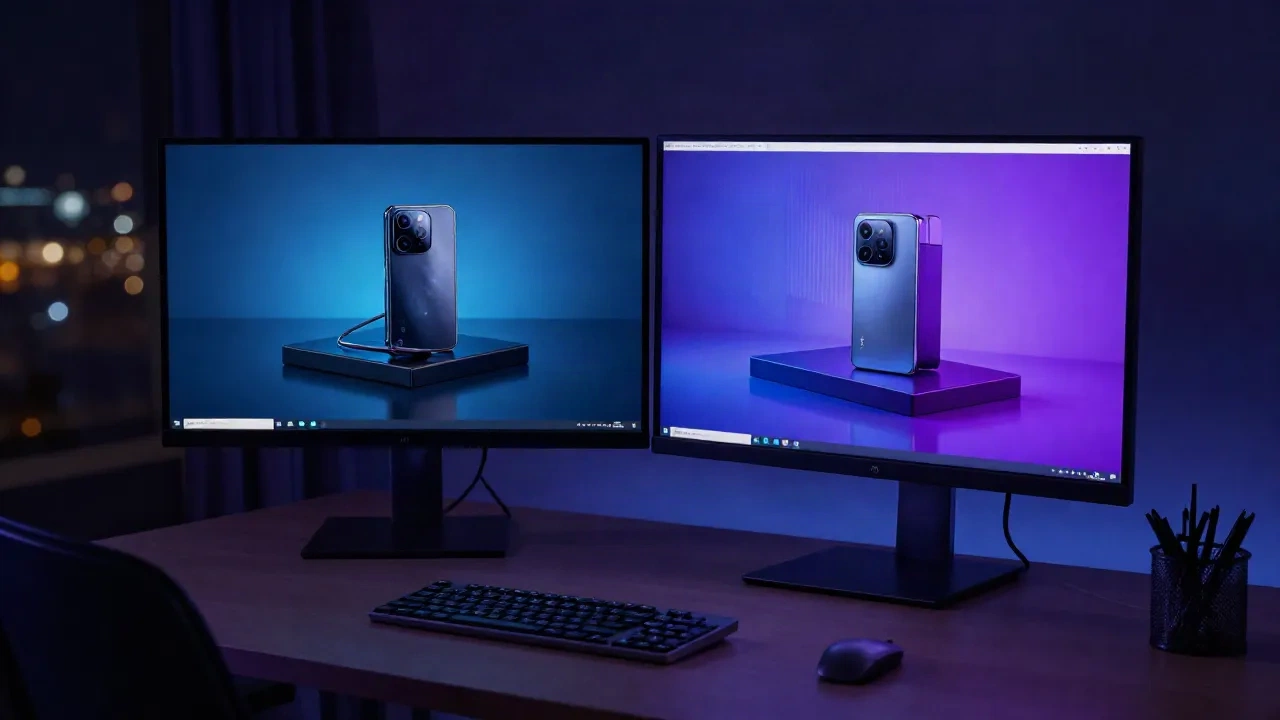
There is a point in every Midjourney session where you stop guessing and start engineering. This midjourney prompts guide covers that transition: the difference between a description and a directive, the four structural elements that cover most professional use cases, and the parameters you need to understand in v6.1. If you have already run a few prompts and hit the wall of generic outputs, this is where things change.
What Midjourney Actually Does When You Give It a Prompt
Think of Midjourney as a visual autocomplete trained on billions of images. It does not read your prompt the way a human would, parsing intention and context. It reads it the way a search engine reads anchor text: weighting the first and strongest terms, extrapolating from named styles and techniques, filling gaps with statistical averages from its training data.
The practical consequence: word order has a measurable effect on output. Lead with your subject and your most important visual attribute. A prompt that opens with "product photography, glass perfume bottle" will bias the model toward commercial photography conventions from the first token. Starting with "a beautiful bottle" invites the model to pattern-match on an enormous variety of "beautiful thing" images, most of which have nothing to do with what you want.
This is why the most consistently useful midjourney prompts guide advice is about specificity, not length. Optimal prompt length is between 20 and 60 words; beyond 60 words, results tend to degrade as conflicting signals accumulate.
The Four-Part Structure Behind Every Prompt That Lands
The structure that covers the vast majority of professional use cases:
[Subject] + [Style or Medium] + [Lighting] + [Format]
Each element has a specific job. Subject sets the content: what exists in the frame and what is the primary visual element. Style points the model at a reference set: "product photography" activates commercial conventions, "editorial fashion" activates a different set entirely. Lighting is often the element most beginners skip, and it is almost always the single greatest lever on output quality. Format tells the model how the image will be used: aspect ratio, orientation, whether negative space is needed.
A concrete example: ceramic mug, studio product photography, softbox side lighting with rim light, clean white background, --ar 1:1 --v 6.1 --style raw
That prompt takes under 30 words and produces a reliably commercial result. Adding 40 more words does not improve it. Adding a conflicting style reference degrades it.
Works best on tableware, beauty products, and small homeware items where the frame is simple and centered. The four-part structure needs more scaffolding when dealing with complex props, multiple objects, or background scenes that require contextual detail. In those cases, extend the subject description rather than layering on additional style modifiers.
Product Photography Prompts: What Converts vs. What Just Looks Nice
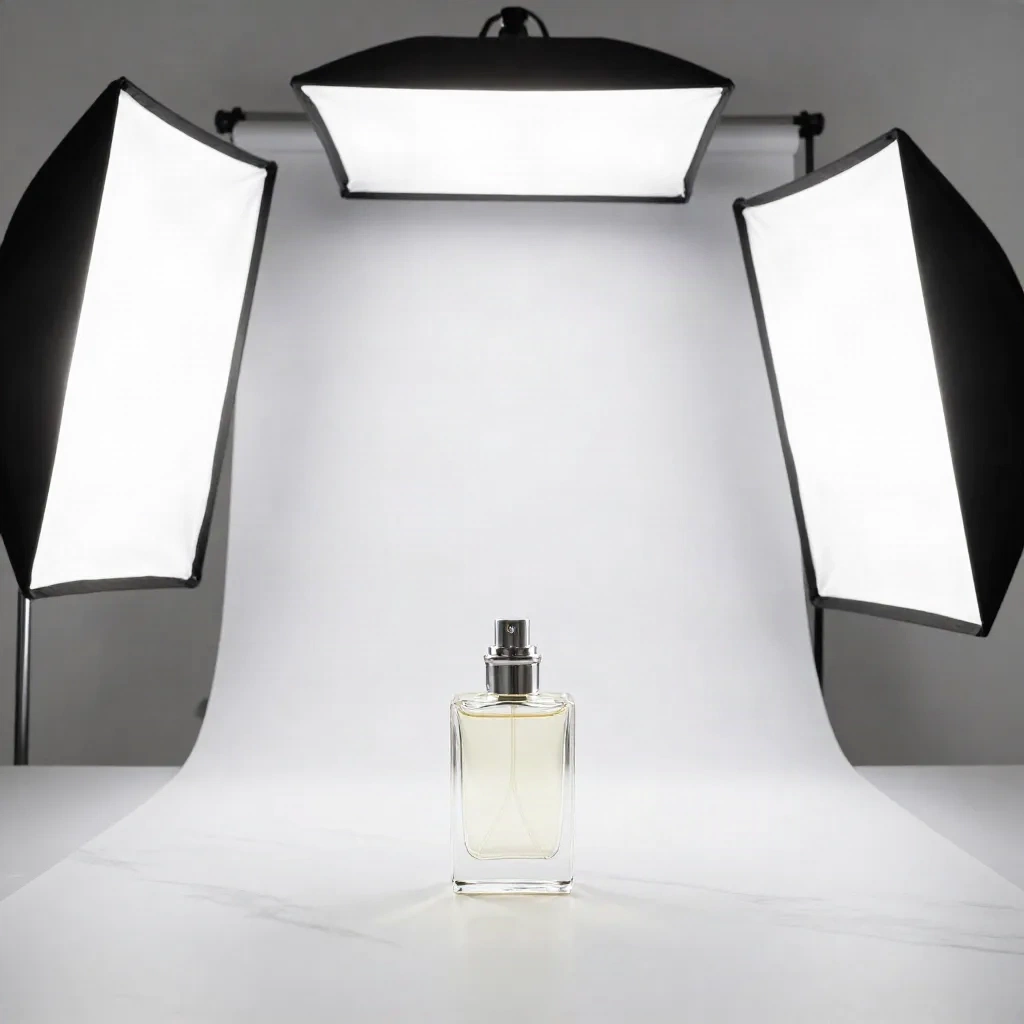
The gap between an image that looks nice and one that converts is, in practice, a lighting and composition decision. For e-commerce product photography, three prompt choices consistently determine outcome.
First: the surface. "White background" activates the most common e-commerce convention. "Matte black surface, negative space for text overlay" activates a different commercial register: premium, brand-forward, designed for banner use. Be explicit. Midjourney defaults to white background roughly 40% of the time when no surface is specified.
Second: the lighting descriptor. Generic adjectives like "natural" or "professional" produce median outputs. Named setups produce specific results: "softbox side lighting" gives you diffused commercial photography. "Rim lighting plus chiaroscuro" gives you something closer to fine fragrance advertising. "Window light, slightly overcast" gives you the flat-but-realistic Etsy handmade product register.
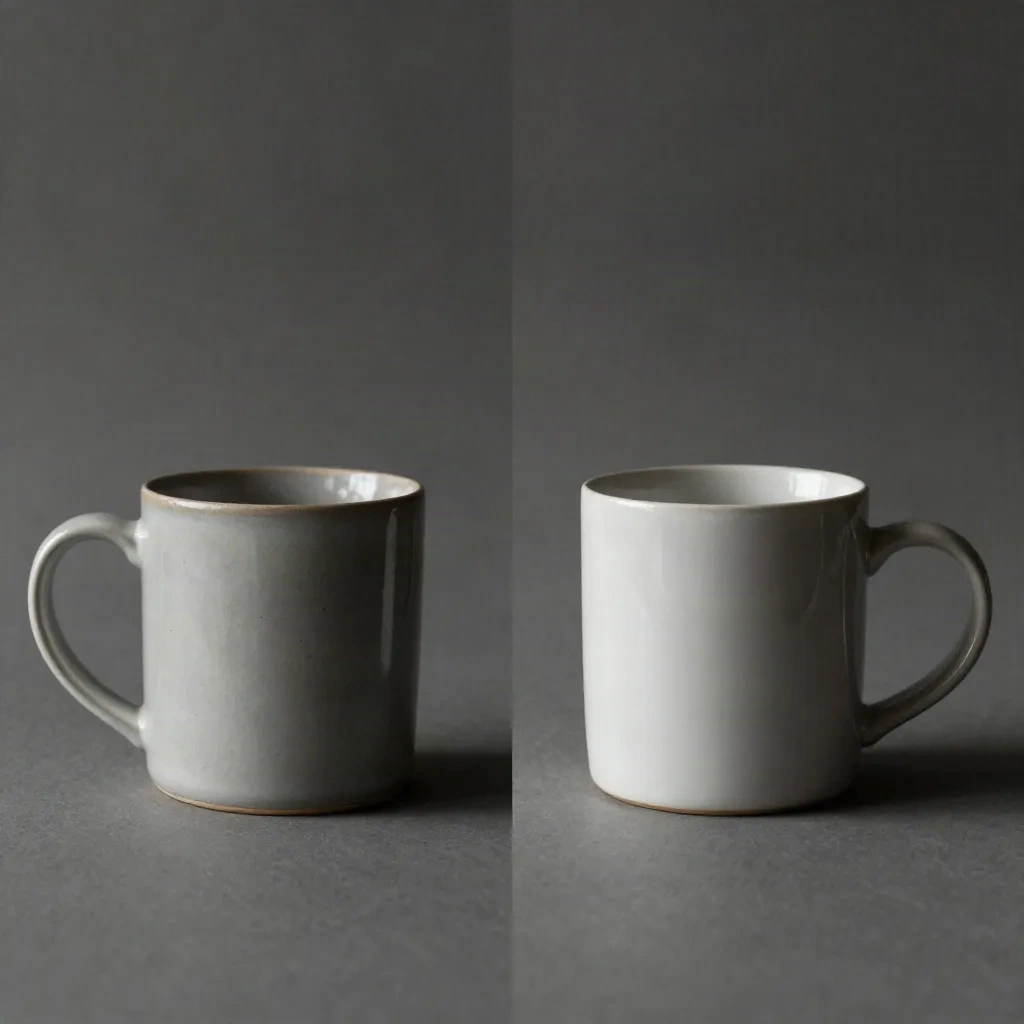
Third: whether you specify --style raw. By default, v6.1 adds an artistic processing layer that makes images look rendered, not photographed. For product shots intended to pass as real photography, --style raw is non-negotiable.
Here is the before and after as actual prompts:
Without --style raw: glass terrarium, product photography, window light, white background --ar 3:4 --v 6.1 produces an image that reads as AI-generated at a glance.
With --style raw: the exact same prompt with --style raw appended produces a result that could pass as a professional stock photo in an e-commerce context.
The Parameters Worth Setting, and Three You Can Ignore
In Midjourney v6.1, the parameters that consistently change outcomes are:
--ar (aspect ratio): Always set this. Default is 1:1. For product listings: 1:1 for Etsy and Amazon. For social content: 9:16 for TikTok and Reels, 3:2 for print and blog. The model applies different compositional conventions depending on ratio.
--style raw: Reduces Midjourney's artistic interpolation. Essential for photography-adjacent outputs where you do not want the model's aesthetic preferences imposed on the final result.
--stylize (abbreviated --s): Default is 100. Lower values, in the 25-50 range, push toward literal interpretation of the prompt. Higher values, 500 to 1000, push toward the model's own aesthetic sensibility. For product photography, stay in the 50-150 range.
--v 6.1: The current default as of mid-2026. V6.1 is meaningfully better than predecessors for anatomical accuracy, short text rendering, and prompt fidelity. You do not need to specify it if you are using the default Midjourney interface, but specifying it in API workflows ensures consistency.
Parameters you can generally ignore unless you have a specific reason: --q (quality modifier with diminishing returns above 1), --seed (useful for reproducibility but not output quality), and --chaos (high values produce more variation, which is a debugging tool, not a quality lever).
Reference Styles That Work in v6.1, and One Category to Avoid
Named photographer references, named directors, and named visual movements produce more reliable and distinctive outputs than descriptive adjectives. "Annie Leibovitz portrait lighting" activates a specific set of compositional and lighting conventions that the model has seen extensively. "Beautiful dramatic portrait lighting" activates a much broader distribution.
Reference styles that produce consistent commercial results in v6.1:
Studio product photography references: Irving Penn product work, classic Richard Avedon fragrance campaigns, Helmut Newton fashion-adjacent commercial
Lifestyle and editorial: Kinfolk magazine aesthetics, Cereal magazine Nordic minimalism, moody Brooklyn studio register
Architectural and interior staging: Dezeen editorial style, Wallpaper magazine product context, ambient lifestyle staging
One category to avoid as primary reference: contemporary social media trends described by their platform name. "Instagram product photography" or "Pinterest aesthetic" produces median-quality outputs because the model has seen billions of images tagged with those terms and averages them into something indistinct. Named photographers or publications focus the output.
Where Midjourney Prompts Break Down and What to Do Instead
The real failures in a midjourney prompts guide are the ones most articles skip. Here are the three most common.
Anatomy with held objects. Midjourney v6.1 has improved hand rendering significantly but still fails on hands gripping specific objects, especially when the object has a distinctive shape. The workaround: crop compositions to avoid hands entirely, or use specific photography framings that naturally exclude them, such as "overhead flatlay", "packshot against white background", or "macro product detail".
Text on products. V6.1 can render short quoted text in the prompt reliably, but text on product labels, bottles, or packaging is almost always garbled or invented. If your prompt includes a real product with specific label text, Midjourney will hallucinate it. The practical solution: generate without product text, then composite the actual label separately using any post-production tool.
Multiple distinct products in one frame. A prompt asking for "three different candle types with distinct packaging on a wooden surface" typically produces three variations of the same candle, or a confused hybrid. Midjourney handles category plus variations better than fully distinct items. For multi-product shots, generate each product separately and composite the final image.
Integrating Midjourney Output into a Real Creator Workflow
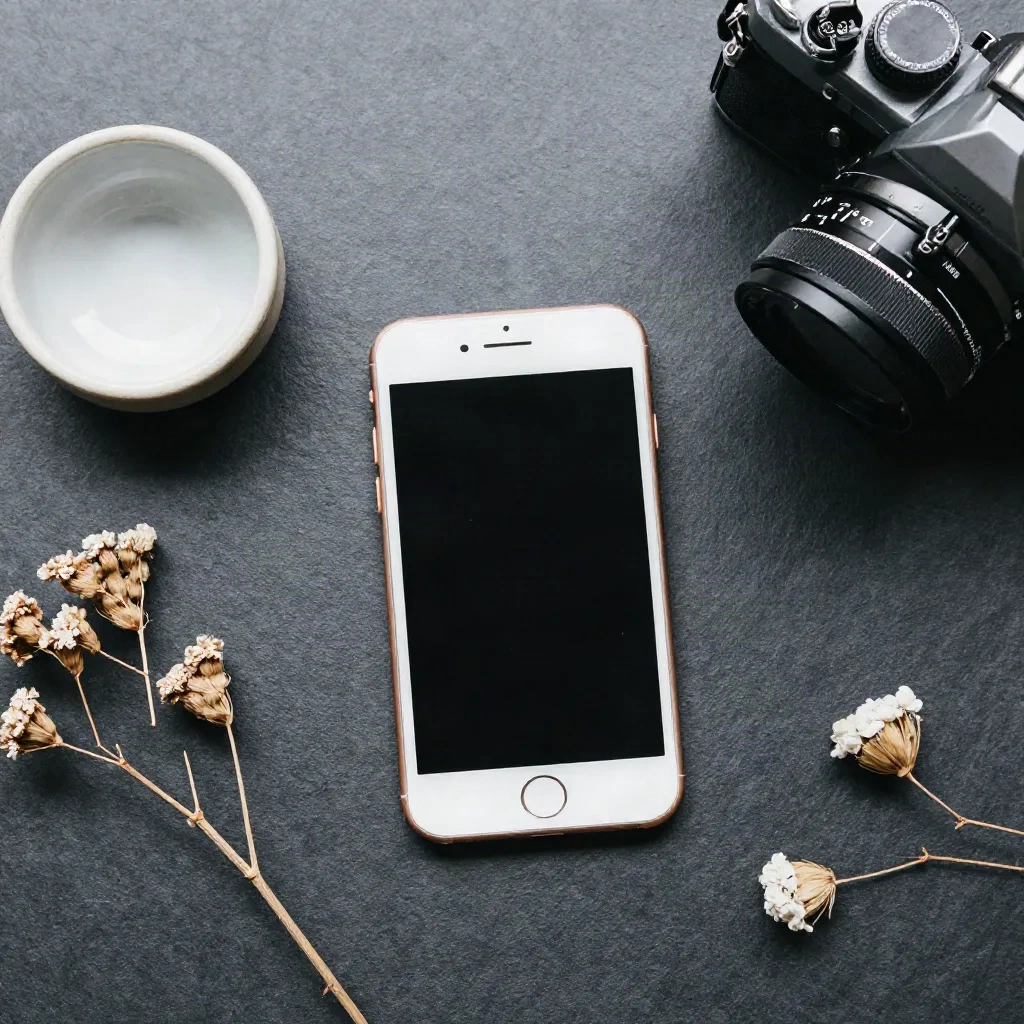
The question after generating a good Midjourney image is: what happens next. For content creators posting directly to social media, a well-prompted Midjourney output is frequently usable without further intervention. For e-commerce, the gaps are almost always consistent: backgrounds that do not match brand guidelines, product label text that needs replacement, and small detail inaccuracies that require editing.
The most efficient approach is Midjourney for composition and atmosphere, post-production tools for precision corrections. Generate the broad visual direction in Midjourney. Fix the product-specific accuracy layer, meaning actual label, actual color, actual background clean-up, in a dedicated editing step. In practice this takes 4 to 8 minutes per image when the prompt is well-structured.
For seasonal batch work, such as refreshing 40 product listings before a major sale or updating a social feed's visual register, this is where photospells sorts work well in parallel. Midjourney sets the creative direction. Style Alchemy or Season Swap runs the transformation at scale on real product photos. The two are not competing approaches; they operate at different stages of the same workflow.
The useful question to ask is not whether Midjourney prompts can replace a photo shoot. For most e-commerce and social content use cases, they cannot do that cleanly. The question is whether they can accelerate the creative direction phase, reduce the dependency on mood-board browsing and expensive concept development, and produce production-usable assets for at least 60% of use cases without additional editing. The answer is consistently yes, provided the prompt engineering is not treated as an afterthought.