Ghost Mannequin Photography: Setup, Shots, Editing
Summary
Ghost mannequin photography means shooting a garment on a modular mannequin, then editing the mannequin out so the clothing keeps a worn, three-dimensional shape. You need clips, tissue, locked lighting and four to six frames per garment, including a neck plate. It suits structured pieces like shirts, coats and dresses, and AI can speed up simple cases. Skip it for swimwear, stretch items and basics, where flat lay or on-model works better.
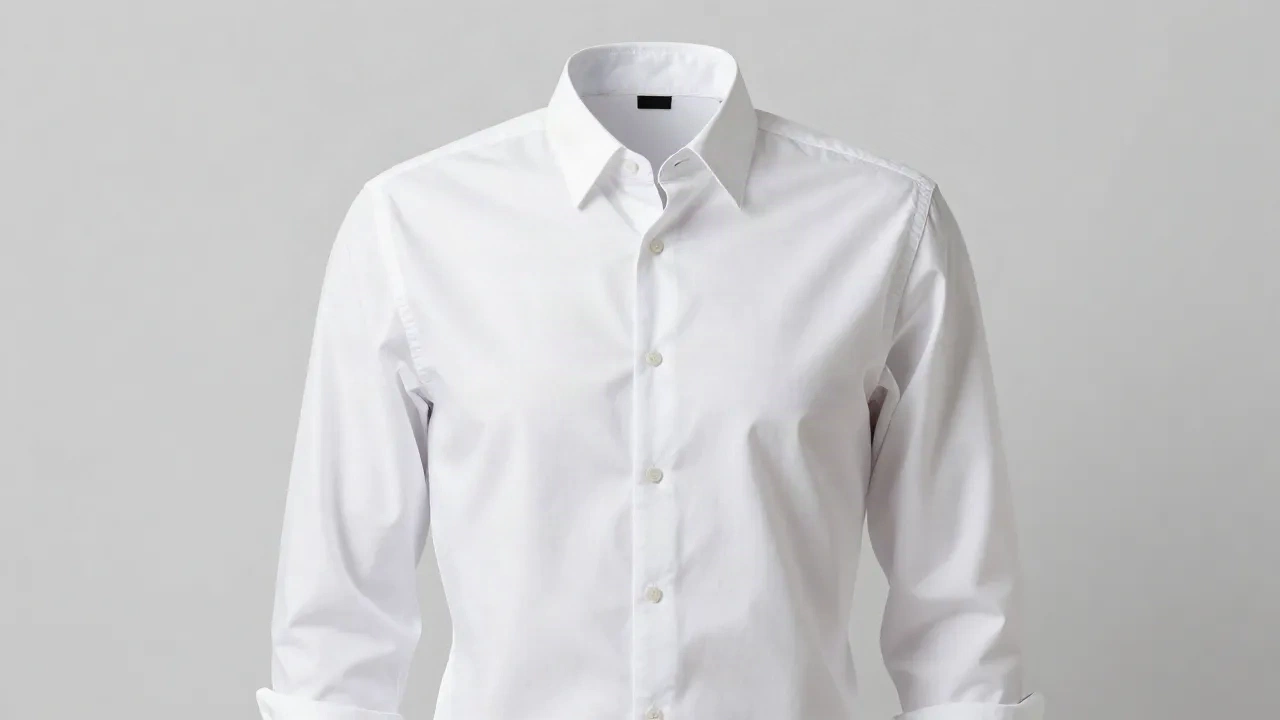
Ghost mannequin photography is a two-step trick: shoot the garment on a mannequin so it holds a worn shape, then edit the mannequin out so the clothes appear to float. Done well, shoppers see fit, drape and the inside of the collar. Done badly, you get a limp shirt with a gaping neck. Below is the setup, the shot list, the editing logic, and the cases where you should skip it entirely.
What does a ghost mannequin shot actually show that a flat lay can't?
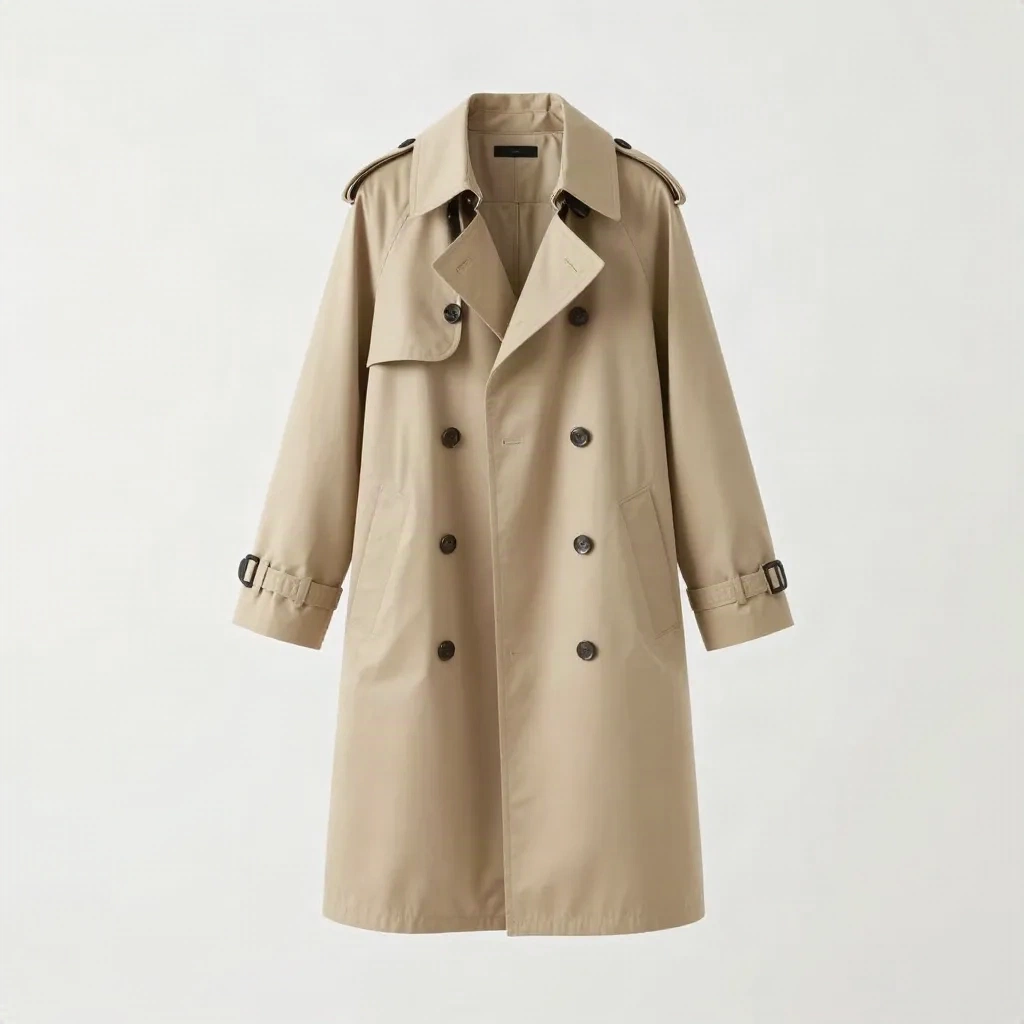
A flat lay shows the garment as a shape on a table. A ghost mannequin shot shows it as a three-dimensional object: shoulder line, chest volume, how a hem falls. That is the whole point.
The shopper cannot try anything on, so the photo has to answer one question: will this sit right on a body? Flat lays answer it badly for anything structured, like blazers, shirts and dresses. They answer it fine for tees, scarves and printed pieces where the graphic is the product.
Vendor blogs love quoting conversion lifts and return-rate drops for this format. Most of those numbers come from companies selling ghost mannequin tools, and none of the sources we checked pointed to an independent A/B test. Treat them as direction, not proof. The only figure that matters is the one from your own listings, which is why we suggest splitting a handful of SKUs before you commit a whole catalogue.
What gear do you need to shoot it?
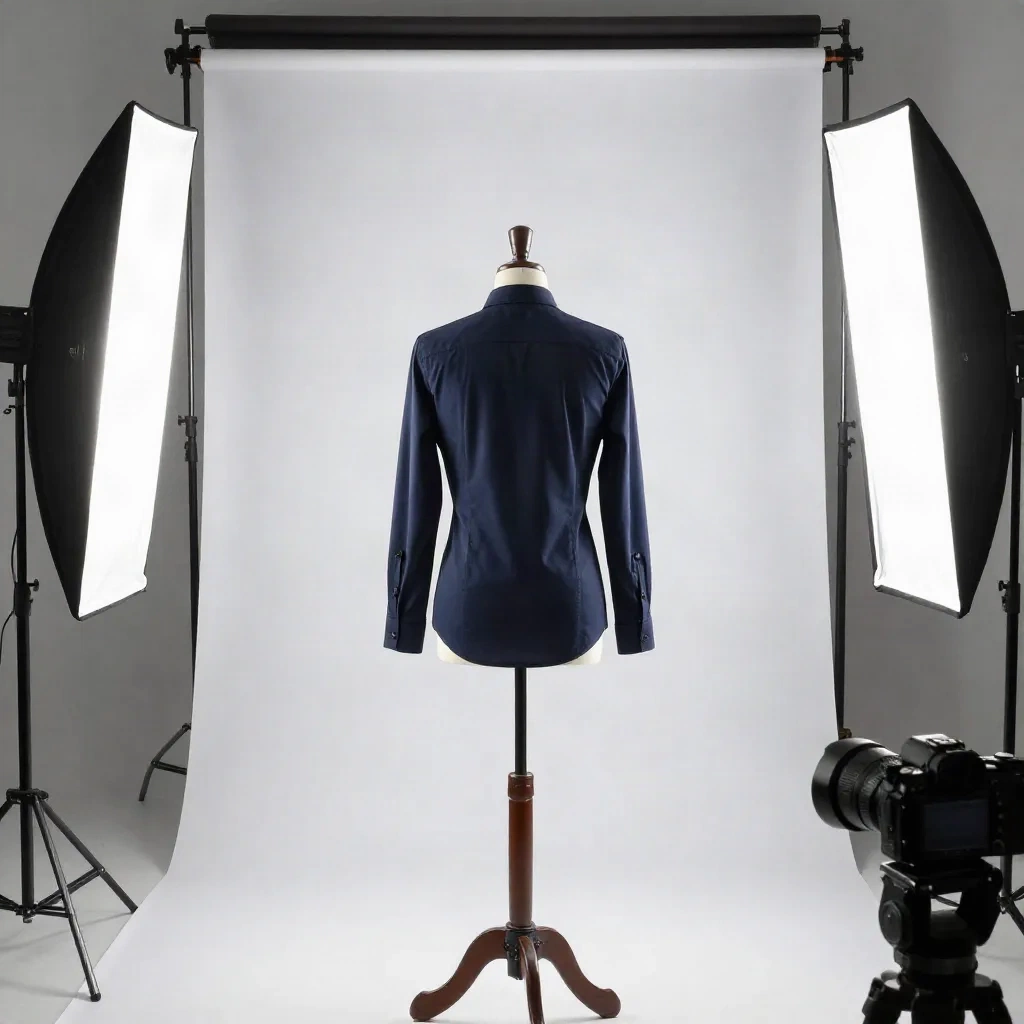
Less than you think. The expensive part is the mannequin, and even that is optional if you can borrow a body form.
A modular mannequin. The neck and chest pieces need to come off. That is what lets you photograph the inside back of the collar later.
Continuous LED lights with softboxes. Continuous light shows you shadows before you press the shutter, which matters because shadow placement is what you will fight in editing.
A white or light grey backdrop and a reflector. Plain paper or a painted wall works.
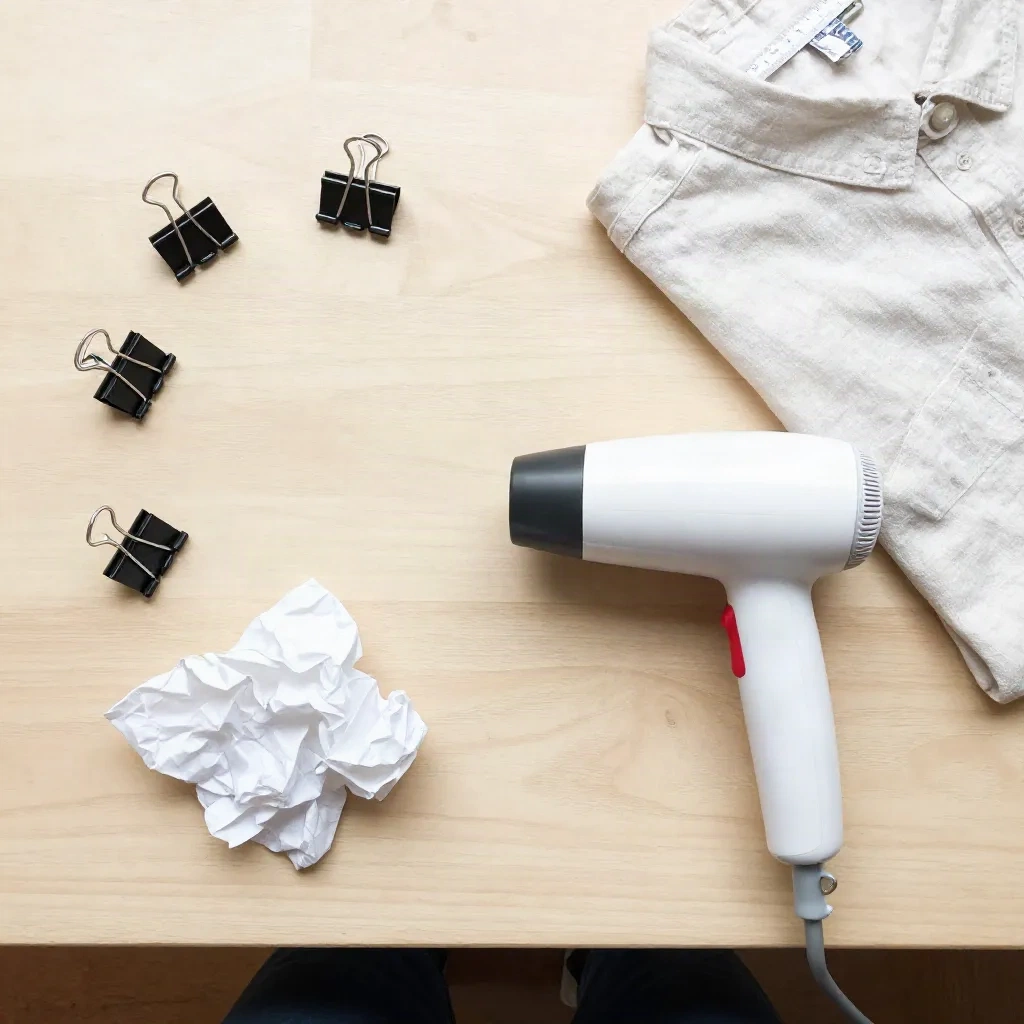
Clips, pins and tissue paper. These do the real styling work.
A tripod. The shots must line up pixel for pixel, so the camera must not move between frames.
A steamer. Wrinkles are the first thing a clean background exposes.
Any decent camera does the job. Lens choice matters more: a medium telephoto, roughly 70mm to 100mm full-frame equivalent, avoids the stretched proportions a wide lens puts on a shirt.
How do you style the garment so it looks worn, not hung?
Styling is 80% of the result. Editing can remove a mannequin, but it cannot invent a believable drape.
Start with symmetry. Align both shoulder seams, make sure the sleeves hang at the same length, and flare the arms slightly away from the torso so light reaches the sides.
Then take up the slack. Pull the excess fabric at the back and clip it in a straight line down the centre. Clip at the armpits and shoulders to match the intended fit: snug for a slim shirt, looser for a regular one. Do not overtension it. BigCommerce's ghost mannequin guide makes the same point about keeping the fabric natural rather than taut.
Finally, add volume. Stuff crumpled tissue paper into sleeves, cuffs and the chest where the garment collapses. Pin the hem from behind so no pin catches the light. If a clip leaves a crease, steam it out and reshoot that frame.
Skip this and you will spend an hour in editing trying to fix something that was a 30-second styling problem.
What is the shot list: how many frames per garment?
Plan on four to six frames per garment. Not all of them end up in the final image, and that is normal.
Front with the mannequin on. This is your base plate. Lock exposure and focus.
Back, mannequin on. Same lights, same distance. Only needed if you show a back view.
The neck plate. Remove the neck and chest pieces and shoot the inside back of the collar, with the label if there is one. This frame fills the hollow.
Cuff and hem plates. Only for open sleeves or hems, where you want to show the lining.
Detail close-ups. Fabric, stitching, buttons. Keep the framing consistent across the catalogue.
A clean plate of the empty set. Useful when the backdrop has any gradient or dust.
Keep the camera locked. Move the mannequin parts, never the tripod.
How does the editing step work?
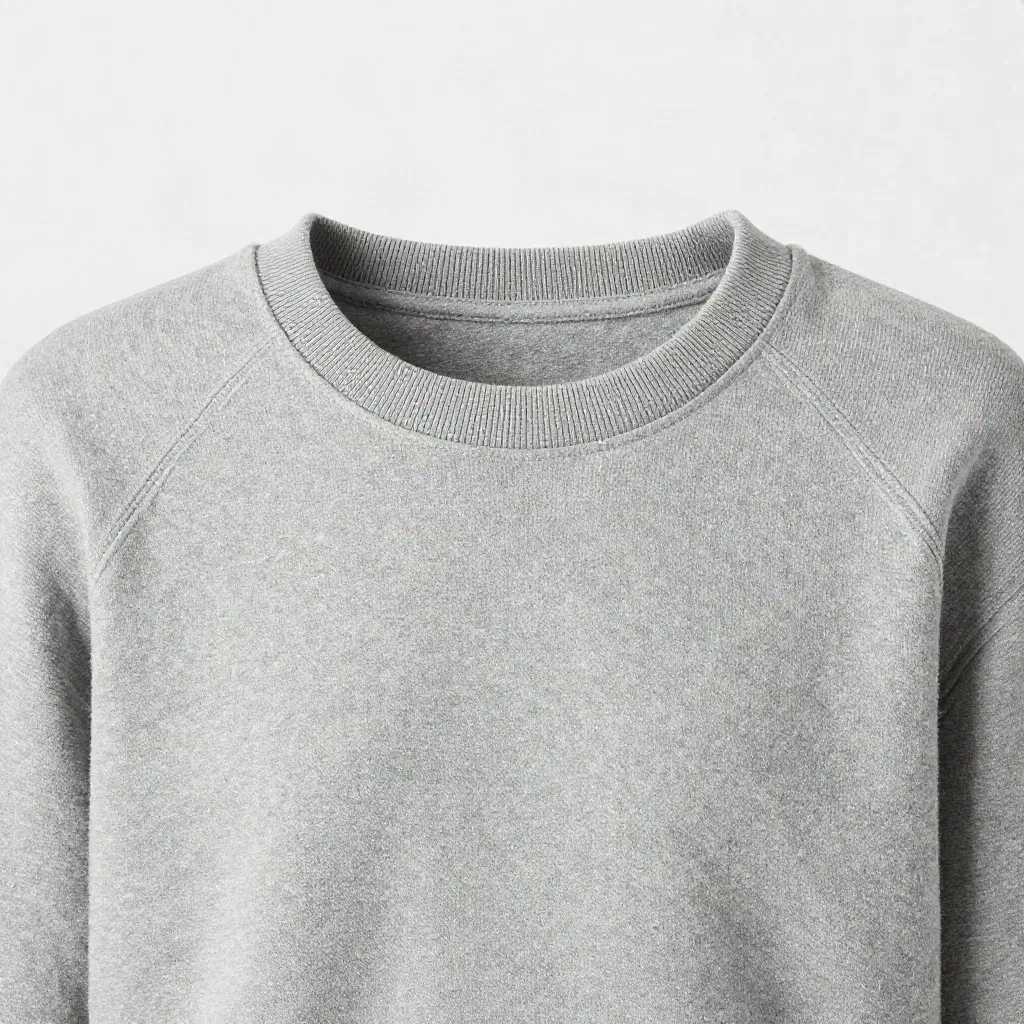
The logic is simple, even if the execution takes patience. You stack the plates and delete what should not be there.
First, cut the garment out of the base plate. Use a path or a good selection tool, and give edges a half-pixel feather so they do not look scissored. Second, open the neck area and place the inside-collar plate behind it. That is what produces the hollow look. Third, retouch: remove clip marks, even out the white balance, and clean up any shadow that gives away the mannequin.
In practice, a clean simple tee takes a few minutes once your template is set. A structured coat with a lining reveal can take much longer. Budget accordingly before you quote a turnaround to your team.
Two mistakes show up everywhere. The first is a neck opening that is perfectly flat and hollow-looking with no inside back, which reads as a hole cut in the shirt. The second is edges that glow white against a grey background because the cutout was done on the wrong colour.
Can AI do the ghost mannequin effect for you?
Yes, with caveats. Several tools now take a photo of a garment on a mannequin or a model and return a ghost mannequin version. That removes the plate-stacking step.
Here is what it does well: simple garments, plain backgrounds, standard poses. Here is where it causes trouble: complex patterns, sheer fabrics, structured collars and anything where the model has to guess the inside of the garment. It invents the inside back of the collar, and invented construction details are a quiet source of returns.
Our rule: use AI to speed up the repeatable 80% of your catalogue, and check every output at full zoom for fabric, seams and hardware that were not on the real garment. Do not let a model redesign the product.
For brands that want consistent visuals across a whole line, a dedicated product photography platform is the more sensible route than a one-off filter.
Klayn is the closest fit here: it works from a single product photo and keeps mannequins, sets and artistic direction consistent across a collection, which is the hard part of any catalogue. That is a stronger match for apparel brands than generating each image in isolation.
When should you skip ghost mannequin altogether?
Skip it for anything where the body is the point. Swimwear, lingerie, leggings and anything with stretch that changes shape on a person: a hollow form misrepresents it. On-model is the honest format there.
Skip it for flat accessories like scarves and socks. A flat lay is faster and no less informative.
Skip it for high-volume basics where margins are thin and the product is the print. The editing time will eat the savings.
And skip it when the garment is so soft it will not hold a shape at all. Pushing fabric into an artificial form is the opposite of showing fit.
Worth the effort: shirts, jackets, coats, dresses, knitwear and trousers, where structure sells the product.
How do you keep it consistent across 100 SKUs?
Consistency is what makes a catalogue look like a brand rather than a pile of photos. Write down five things and never change them:
Camera distance and height
Light positions, marked on the floor with tape
Canvas size and garment position on the canvas
Background colour value
Shadow style: none, soft drop, or contact only
Then build a template. Same crop, same export size, same naming scheme. If you sell on your own storefront, a platform that handles image sizes and zoom for you saves a lot of manual resizing.
If you are still choosing where to host the shop, an all-in-one builder that bundles product pages and SEO tooling keeps the photo workflow and the listing workflow in one place.
Shopify is the other obvious option, and its theme and app ecosystem handles zoomable product galleries well. Whichever you pick, upload at a consistent aspect ratio so thumbnails do not jump around on the collection page.
What would we actually do with a small apparel catalogue?
Pick your ten best-selling structured pieces. Shoot them ghost mannequin with a proper plate set. Split test those against the flat lays you already have, and give it a few weeks of real traffic.
If the ghost mannequin versions win on add-to-cart or return rate, keep going and template the process. If they do not, you saved yourself a catalogue-wide reshoot.
For everything else, stay pragmatic: flat lay for basics, ghost mannequin for structure, on-model for hero products and campaigns. The question worth asking is not which format is best. It is which format answers the shopper's fit question for this specific garment at a cost you can repeat.