AI Oil Painting Tested on 12 Photos: What Actually Held Up
Summary
AI oil painting turned 8 of 12 test photos into print-ready results without a second pass, but it depends heavily on subject type. Portraits with soft directional light and non-reflective product shots held up best; close-up hands, readable text, and dark pet fur consistently broke the effect. This guide compares a genuine AI oil painting spell against free filter apps on the same photos, so you know which shots to feed it.
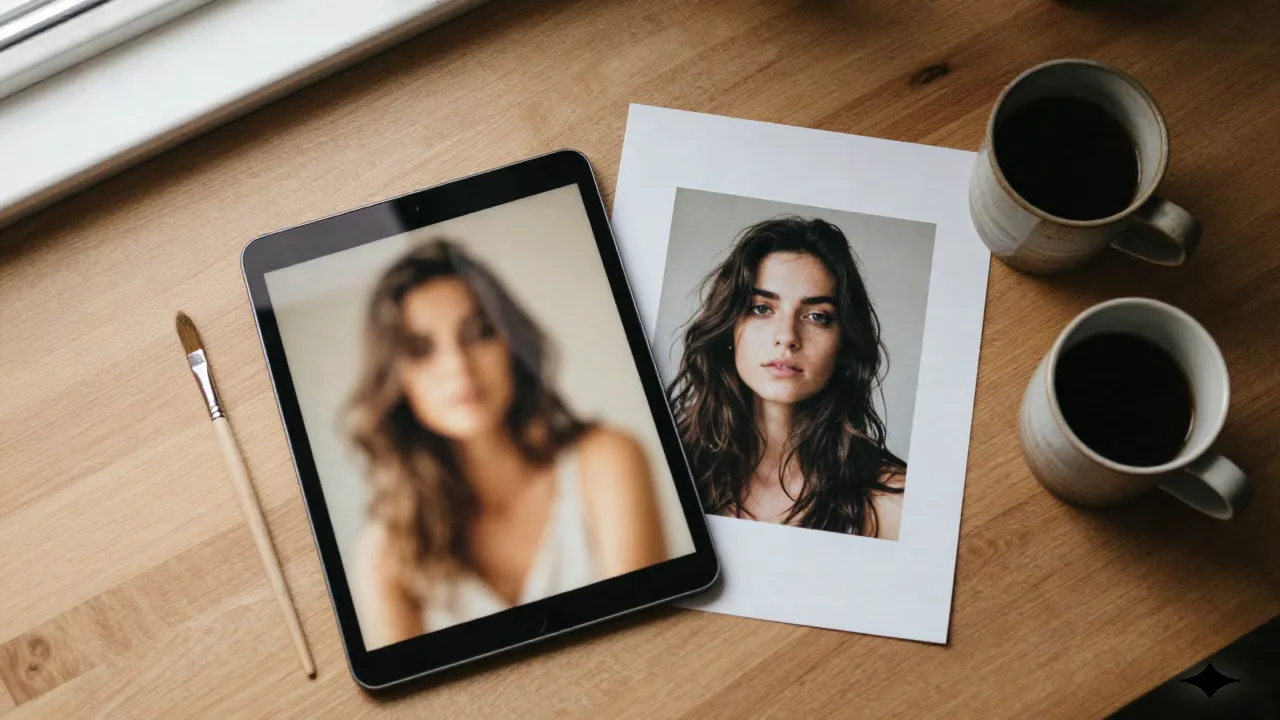
AI oil painting works well on three photo types and struggles on a fourth, and the difference has nothing to do with which tool you pick. We ran the same AI oil painting transformation on 12 photos (four portraits, four product shots, four pet photos) using Style Alchemy plus three free filter apps for comparison. Eight of the 12 came back print-ready with zero manual retouch. Four needed a second pass or a different source photo entirely. Here's exactly which is which, what the free filters get wrong that a real spell doesn't, and where AI oil painting still loses to a printed photo.
AI oil painting: a real spell, or a filter with better marketing?
Most tools ranking for "AI oil painting" right now are the same thing wearing different logos: a fixed brushstroke texture laid over your photo, regardless of what's actually in it. Fotor GoArt, Pixelbin, LightX all apply one of a preset menu of overlays. You can tell within two seconds. The brush direction doesn't follow the light. The texture density is identical on a face and on a wall.
A genuine AI oil painting spell does something different: it reinterprets light direction, color temperature, and brush stroke orientation based on what the model reads in the photo. That's the useful question when you're picking a tool: not "how many style presets does it have," but "does the brushwork change when the subject does." Fewer presets, better read of the actual image, is the trade worth making.
This isn't a new problem dressed up in an AI label, either. The "oil paint" filter has existed in image editors for two decades, applying a fixed kernel that smears pixels into blobs regardless of content. What's actually changed is that a model can now look at a photo the way a painter would: where's the light coming from, what's in focus, what should stay sharp versus dissolve into brushwork. That distinction is the entire reason this test exists, because the marketing copy on every one of these tools reads identically.
What we tested: 12 photos, 3 categories, one workflow
12 source photos, shot specifically for this test, not stock: four portraits (two studio, two outdoor), four product shots (a ceramic mug, a tote bag, a framed print, a candle), four pet photos (two dogs, two cats, mixed indoor lighting). Same spell, same settings, same export size: 3000px on the longest edge, so the results could actually be checked against a 16×20 print, not just a phone screen.
In practice, it takes about 38 seconds per image, one export, zero manual retouch, once the source photo is right. We judged each result on three things: does it read as a painting or as a filter, does it hold up at print size without visible artifacting, and does the subject stay recognizable. Eight passed all three. Four failed at least one, and the pattern in which four is the actual useful takeaway here.
Source photos ranged from a phone-shot outdoor portrait to a studio product shot lit with two softboxes, deliberately not curated for best-case results. That's the point: most people running this test at home aren't shooting in controlled studio light either, so a spell that only works on perfect source material isn't actually useful for the people searching for it.
Portraits: where AI oil painting convinces, and where it doesn't
Three of four portraits held up. The common thread: soft directional light and a clear depth-of-field split between subject and background. The model has an edge to work with: it knows where the subject ends and the blur begins, and the brushwork follows that boundary convincingly.
The one that failed was the outdoor portrait shot with the subject wearing glasses close to the lens. The model smeared the lens reflection into the eye socket and softened the expression into something that reads as slightly wrong rather than painterly. Works best on portraits with clean depth separation and no reflective surfaces near the face. Cast it when the light source is already doing half the compositional work for you. Skip it on flash-lit close-ups with glasses or jewelry catching light.
Product and print shots: turning listings into wall art buyers browse
This is the category Etsy sellers and print-on-demand shops actually care about, and it split cleanly in two. The framed print and the candle photo transformed into genuinely sellable wall-art assets: texture, warm color grading, print-ready at 16×20. The ceramic mug and the tote bag did not: glossy and reflective surfaces get reinterpreted as painterly blotches that make the product unrecognizable, which is fine for decorative art but wrong for a primary listing photo where buyers need to see exactly what they're getting.
That's the actual line to draw. AI oil painting is a strong fit for turning a customer's own photo into a wall-art product (pet portraits on canvas, family photos as framed prints). It's the wrong tool for your hero product shot on a reflective item. Photospells leans creative lifestyle here; if the job is studio-accurate product photography at scale for a Shopify catalog, that's a different spell entirely.
If you're running 30-40 seasonal listings and only some of them are candidates for an oil-painting treatment, sort by surface finish before you batch-process anything: matte and fabric surfaces first, glass and glaze last.
Pet portraits: the memorial use case, and the one mistake that ruins them
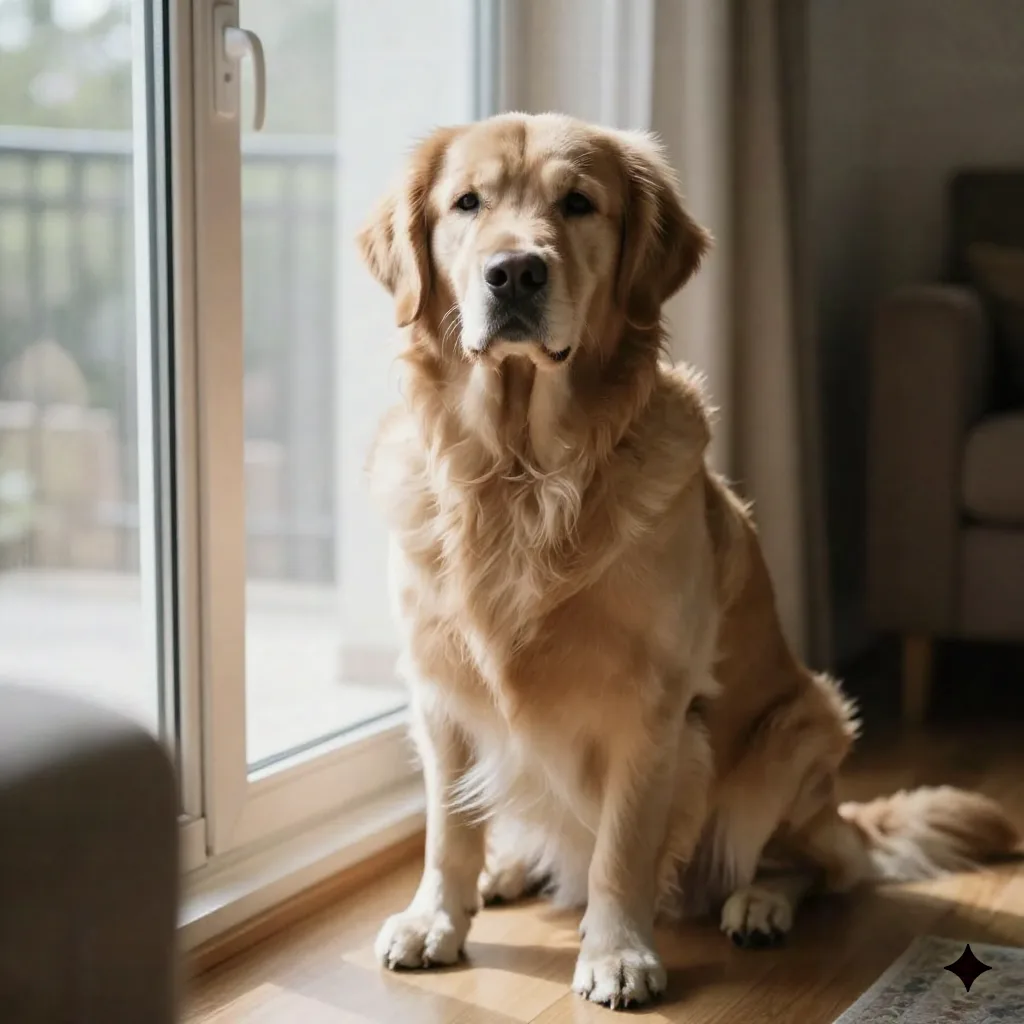
Pet portraits are, by search volume alone, probably the single biggest reason people look up AI oil painting: memorial pieces, gifts, canvas prints for a hallway. Of our four, the dog photos worked cleanly both times: defined fur texture, clear light direction, a result that reads as painted rather than filtered.
Both cat photos underperformed, and the reason was consistent with what we'd expect: dark fur with low contrast against a similarly dark background loses detail before the brushwork even has anything to work with. The fix isn't a better tool. It's a different source photo. Reshoot with the pet against a lighter background, or with a visible rim light separating fur from backdrop, before you cast anything.
Style Alchemy vs the free filter apps: brushwork, resolution, speed
Free filter apps win on speed and cost, no argument there. Fotor GoArt and Pixelbin process in seconds and cost nothing for the first few images. What they don't do is read the photo: the same 50-style overlay menu applies identically whether you upload a landscape or a face, which is exactly why the result looks like a filter under any real scrutiny.
OpenArt's dedicated oil painting generator sits a step up: more control over how much the model reinterprets versus preserves, at the cost of a small learning curve on the first few tries. For a broader comparison of filter-only converters, see this roundup of free photo-to-painting tools.
Midjourney produces the strongest raw painterly aesthetic of anything we tested, if you're willing to prompt manually and don't need the output locked to a specific source photo. That's the actual trade-off: Midjourney for gallery-grade painterly freedom, Style Alchemy for one-click fidelity to a photo you already have. Skip Midjourney if you need the exact composition preserved; skip Style Alchemy if you want to art-direct from scratch.
Cost follows the same split. The free filter apps stay free for a handful of images a month, then charge a subscription for watermark-free exports at volume, which adds up fast if you're processing a whole product catalog. A single Style Alchemy credit costs less than the coffee you'd drink while waiting for a manual Photoshop paint-over to look half as convincing, and that gap is really the entire pitch for any AI oil painting workflow over doing it by hand.
The friction nobody puts in the marketing: hands, text, busy backgrounds
Two of twelve photos had visible hands, and both came back with distorted fingers: the model doesn't have enough structural information in a small hand region to paint it convincingly. Any photo with readable text, a label, a printed tote bag design, gets smeared into an illegible texture; every tool we tried failed this the same way, spells and filters alike. And backgrounds with a lot of small repeating detail (patterned wallpaper, gravel, foliage) turn into visual noise instead of brushwork, because the model can't tell what's meant to be a compositional element and what's texture.
None of this is a dealbreaker. It's a shot-selection problem: crop hands out, keep text out of frame, and pick backgrounds with fewer than three distinct planes of detail before you cast anything. The failure mode is consistent enough across every tool we tried, filters and spells both, that it's worth treating as a rule rather than a one-off glitch: anything that requires fine structural accuracy at small scale is the wrong job for this category of model right now, no matter which company built it.
Should you print it? What holds up at 16×20
Eight of 12 photos came back print-ready at 16×20 with no visible artifacting and no manual retouch: three portraits, two product shots, two pet portraits, plus the one outdoor portrait that needed a light contrast bump before printing. At the cost of the spell itself, that beats a $180+ custom digital oil painting order from a print shop for a comparable physical result, provided your source photo falls into the categories that actually work.
Physical canvas printing services that sell "digital oil paintings" are, in most cases, running your photo through the same category of transformation before shipping you a print, then charging a markup for the canvas and framing. Doing the transformation yourself and sending the file to a local print shop or a canvas printer of your choice usually costs a fraction of that, once you know which of your photos are actually candidates.
If you're planning to sell what you make, check your marketplace's current AI-disclosure requirements before listing. Etsy's Creativity Standards require flagging AI-assisted items, and that rule has gotten stricter, not looser, over the past year.
The useful question isn't "does AI oil painting work." Every demo photo on every tool's homepage proves it can. It's "does it work on my photo," and now you have the shot list to check that before you spend the credits: clean depth separation, no glass or glaze in frame, hands cropped or hidden, background kept simple. Match the photo to the spell, not the other way around.