AI Image Prompts That Actually Work: A Field Guide
Summary
The difference between a mediocre AI image and one that stops the scroll is almost never the model: it's the prompt structure. This guide covers the five components every working prompt shares, copy-paste examples for product photography and portraits, platform-specific differences that change what you write, and the batch prompting method that generates 20 consistent images in one session.
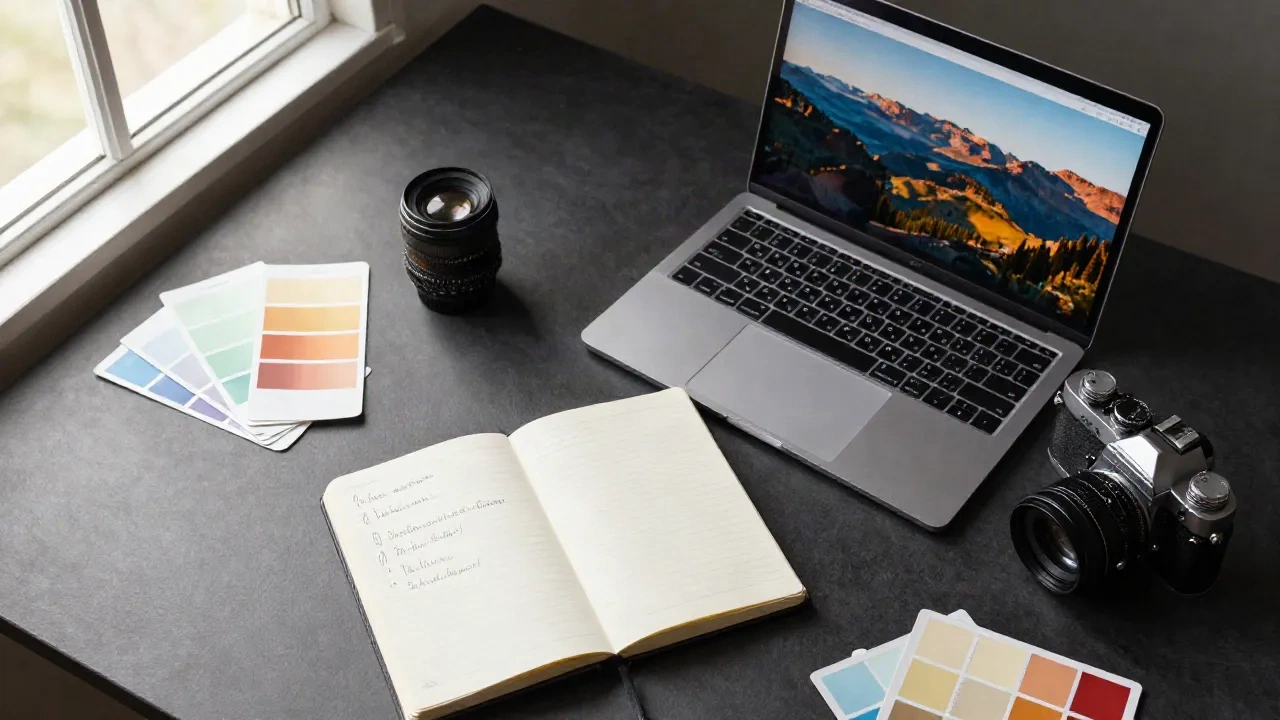
Most AI image prompts fail the same way: not because the model is bad, but because the instructions are vague. The gap between a mediocre output and one that stops the scroll comes down to eight specific words. Not which tool you use, not your subscription tier: the structure.
This guide covers the prompt components that change outputs, the mistakes that waste credits, and a set of copy-paste examples across the three use cases that matter most for content creators and e-commerce sellers: product photography, portraits, and creative art direction.
Why most AI image prompts fail before the model even starts
The common failure mode is prompting for a feeling instead of a setup. "A beautiful sunset photo" tells the model almost nothing useful. It knows what sunsets look like. What it doesn't know is your aspect ratio, your lighting angle, your foreground, whether you want film grain or clean digital, whether you're shooting through a telephoto or wide angle.
The model reads token by token. The first few tokens carry the most weight. If your prompt opens with "a beautiful" (two weak tokens), you've burned the most influential real estate on noise.
What works instead: subject, material, light source, composition, then mood. In that order.
"Portrait of a woman in her 40s, weathered tan leather jacket, Rembrandt lighting from left, shallow depth of field, 50mm equivalent, skin texture visible, overcast day." Every token there does something.
The spell analogy holds here: you don't cast a spell by saying "make something nice happen." You specify the transformation. Same mechanic.

The five components every working prompt shares
Analysis across multiple prompt libraries and internal tests on Photospells' transformation models consistently surfaces the same five-part structure:
1. Subject and material. What's in the shot, and what's it made of. "A ceramic vase with a matte sage glaze" beats "a green vase." Material descriptions such as marble, velvet, weathered oak, and frosted glass steer texture rendering more reliably than color names alone.
2. Surface or environment. Where the subject sits. "On a dark slate surface with condensation traces" or "floating in a white seamless studio" are both precise and useful. "Nice background" steers nothing.
3. Light source and direction. Not "good lighting." Write it as a parameter: "Soft directional light from upper left, warm 4500K color temperature, no hard shadows." Or: "single rim light from behind, harsh and dramatic." The model treats light as an instruction, so write it like one.
4. Composition signal. Overhead flat lay, three-quarter angle, eye-level macro, mid-shot, wide establishing. One clear instruction. Without it, the model picks the composition that appears most often in training data: centered, frontal, average-distance.
5. Mood or finish word. A single strong descriptor: "clinical," "intimate," "editorial," "cinematic." Not an adjective chain. "Cinematic, moody, dramatic, epic" cancel each other out. Pick one and commit.
Drop any of these five and the model fills the gap with its training data's mean. Which is why AI images often look like stock libraries at their worst: they are the average of a billion images with no strong steering.
AI image prompts for product photography: what actually converts
For e-commerce, the prompt job is specific: make the product the unambiguous hero, and make the background enhance without competing.
The surface choice drives everything:
White seamless: default for most primary listing images. Works for anything that needs clean Amazon or Etsy compliance. Prompt: "Pure white seamless background, soft overhead studio light, no cast shadows, sharp across the entire product, e-commerce commercial photography."
Dark matte: tech, spirits, premium men's products. Prompt: "Charcoal matte surface, directional rim light from behind, subtle gradient from black to near-black, product center-frame."
Marble: beauty, skincare, luxury. Prompt: "White Carrara marble with natural grey veining, cool overhead window light, reflection visible in surface, minimal props."
Natural wood: food, artisan, organic brands. Prompt: "Weathered natural oak with visible grain, warm window light from the right, selective focus on the product, props limited to two items."
The rule that trips most sellers: limit props to two or three items maximum, and only use props that tell a story about the product's use or its intended buyer. A candle next to a book and a ceramic cup is coherent. A candle next to a plant, a marble sphere, and fairy lights is noise.
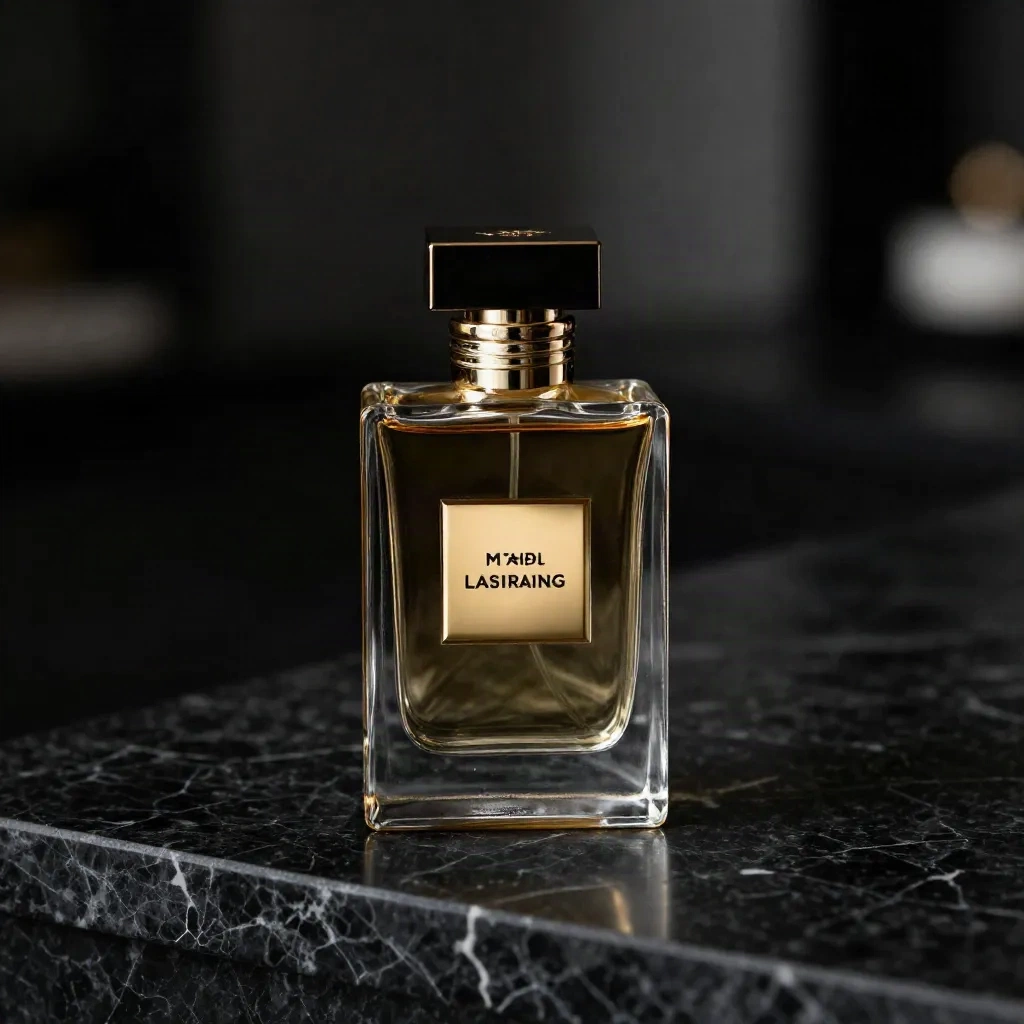
For sellers running full product lines where visual consistency across 50 or 200 SKUs matters, per-image prompting breaks down fast. That's the exact gap a platform like Klayn was built for: it locks the brand parameters (mannequin, lighting setup, artistic direction) once and applies them across an entire catalogue, instead of hoping your manual prompts stay consistent across a Monday morning and a Friday afternoon.
Portrait and lifestyle prompts: where the spell breaks down
Portraits are where AI image prompts get honest about limits. You can write a technically precise prompt and still get an uncanny result if the skin texture handling is off, or if the pose reads as anatomically wrong. The model is genuinely weaker here than it is on products and still objects, and knowing that changes what you prompt for.
The failure modes that show up most:
Hands: if the composition doesn't explicitly exclude hands or specify a tight close-up, you'll get them, and they'll often be wrong. "Avoid hands in frame" or "tight headshot, cropped at shoulders" are both valid workarounds.
Symmetry by default: the model produces frontal, centered, symmetrical compositions unless told otherwise. If you want a three-quarter view or any natural off-center framing, name it: "three-quarter view, subject positioned left-of-center, negative space on the right."
Oversmoothed skin: any model trained on Instagram-adjacent data tends to smooth skin aggressively. Counter it with: "visible skin texture, natural pores, no skin retouching, documentary photography."
A prompt that holds up in practice: "Documentary-style portrait of a man in his early 50s, silver stubble, steel grey shirt, side window light from the right casting a natural shadow across the left cheek, visible skin texture and natural pores, 85mm equivalent, neutral grey background, slight film grain, no retouching."
For most non-technical users, Photospells' Style Alchemy sort handles portrait lighting better than raw prompting because the light models are pre-tested. The trade-off is reduced control on edge cases. Both tools have a ceiling.
Platform differences that change what you write
This is the part most prompt guides skip. The same prompt gives different outputs on different models: not just in quality, but in interpretation.
Midjourney rewards style references and mood keywords. Front-load the subject and aesthetic. Parameters (aspect ratio, stylization weight) go at the end. Verbose descriptions tend to help.
Flux (the model behind Photospells' transformations) is more literal. If you write "blue wall," you get blue wall. Less interpretive drift means less random variation: good for product work, less useful for open-ended creative exploration.
ChatGPT and Gemini (GPT-image-2, Imagen) are stronger at following natural-language instructions, including edits to existing images. You can write in full sentences. Weaker on consistent stylistic coherence across a set.
OpenArt AI supports over 100 models plus fine-tuning, which means you can select the specific model your prompt architecture works best with rather than adapting the prompt to one model's biases.
The practical conclusion: if your prompt works on one model and fails on another, it's not the prompt that's wrong. It's the mismatch between prompt structure and model expectation. Debug the pairing, not the words.
Batch prompting: how to generate 20 consistent images in one session
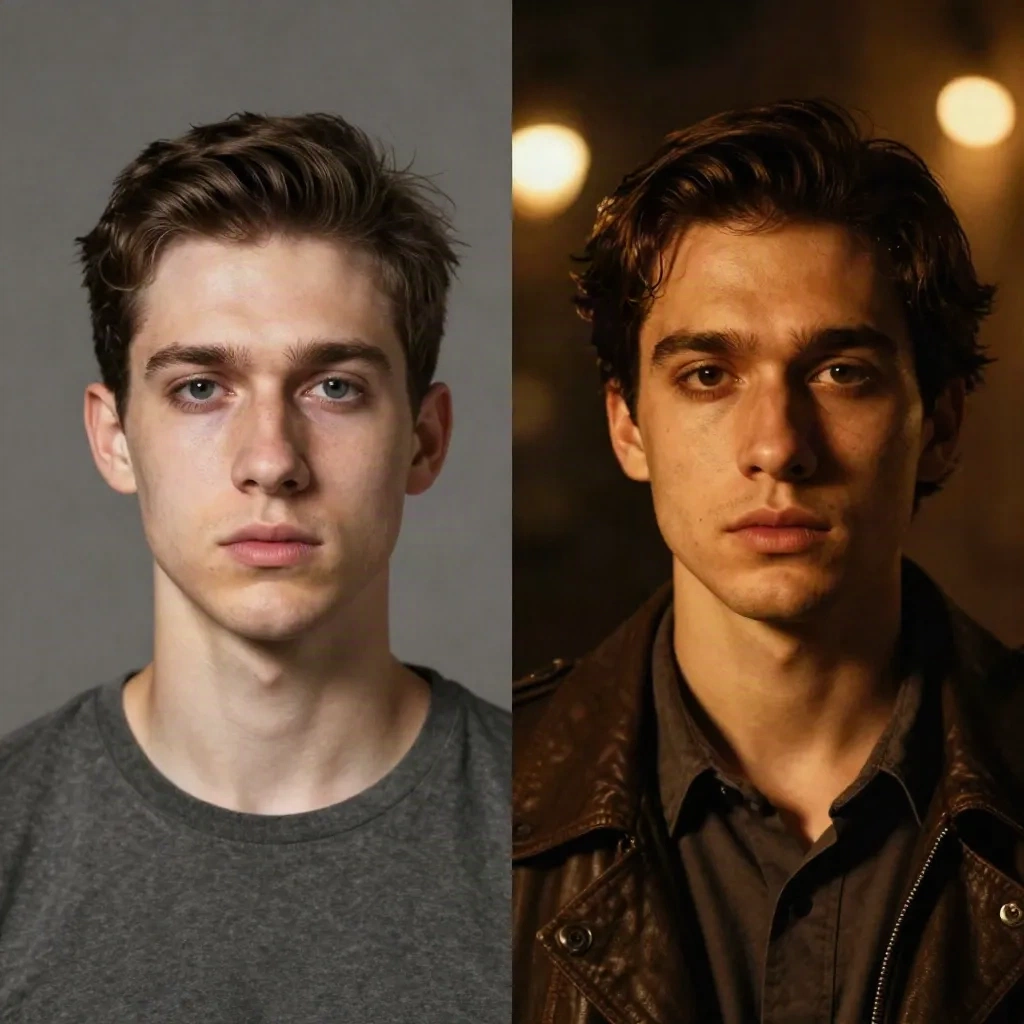
For content creators managing a posting schedule, one great image is not the goal. A set of twenty images that hold together as a visual system is. The approach that works reliably:
Build a base prompt with the fixed elements: surface, lighting setup, aspect ratio, mood.
Run variable swaps on the elements that change: product angle, season reference, prop color, background gradient, or foreground material.
Example base: "E-commerce flat lay, overhead shot, white seamless background, soft overhead diffused studio light, sharp throughout, commercial product photography."
Variable slot: "{product name}, arranged center-frame with {prop 1} and {prop 2} positioned to the left."
Generate 15 to 20 variants by swapping only the variable slot. The structural consistency carries through to the output set. In practice: 4 minutes to lock the base prompt, 20 minutes to run the batch, and the set is coherent enough to publish across a season without visual drift.
For sellers who want to take this further at a catalogue scale, combining WiziShop's native AI tools with a consistent prompt framework covers the workflow from store setup to visual production.
Three prompt tokens worth removing from your library
No practical guide finishes without the ones to stop using.
"Hyper-realistic, ultra-detailed, 8K resolution": these were useful quality signals in 2022 when models needed explicit quality steering. Current models do not need them. They occupy space without steering anything.
"Award-winning photography": every model has seen millions of stock descriptions using this phrase. It has been diluted past usefulness. Name the specific photographer or publication whose visual language you want: "photographed in the style of Annie Leibovitz" or "editorial look from Kinfolk magazine."
"Make it look good": not a prompt. The model has no idea what "good" means for your specific use case. It will guess, and the guess will be statistically average. Describe the result you want, not the quality you hope for.
Cast the spell once, precisely. Recast if the output doesn't land.