Shopify vs Squarespace for Photo-Led Product Pages
Summary
Shopify vs Squarespace comes down to catalog size and photo workflow. Shopify wins for sellers with many SKUs, variant photos and app-based editing, from $29/mo. Squarespace wins for small, photo-led shops on templates built around full-bleed images, from $19/mo on annual billing. Both accept uploads up to 20 MB, so the real difference is what happens after the file lands. We compared documented limits, pricing and reviewer ratings, not a hands-on shop build.
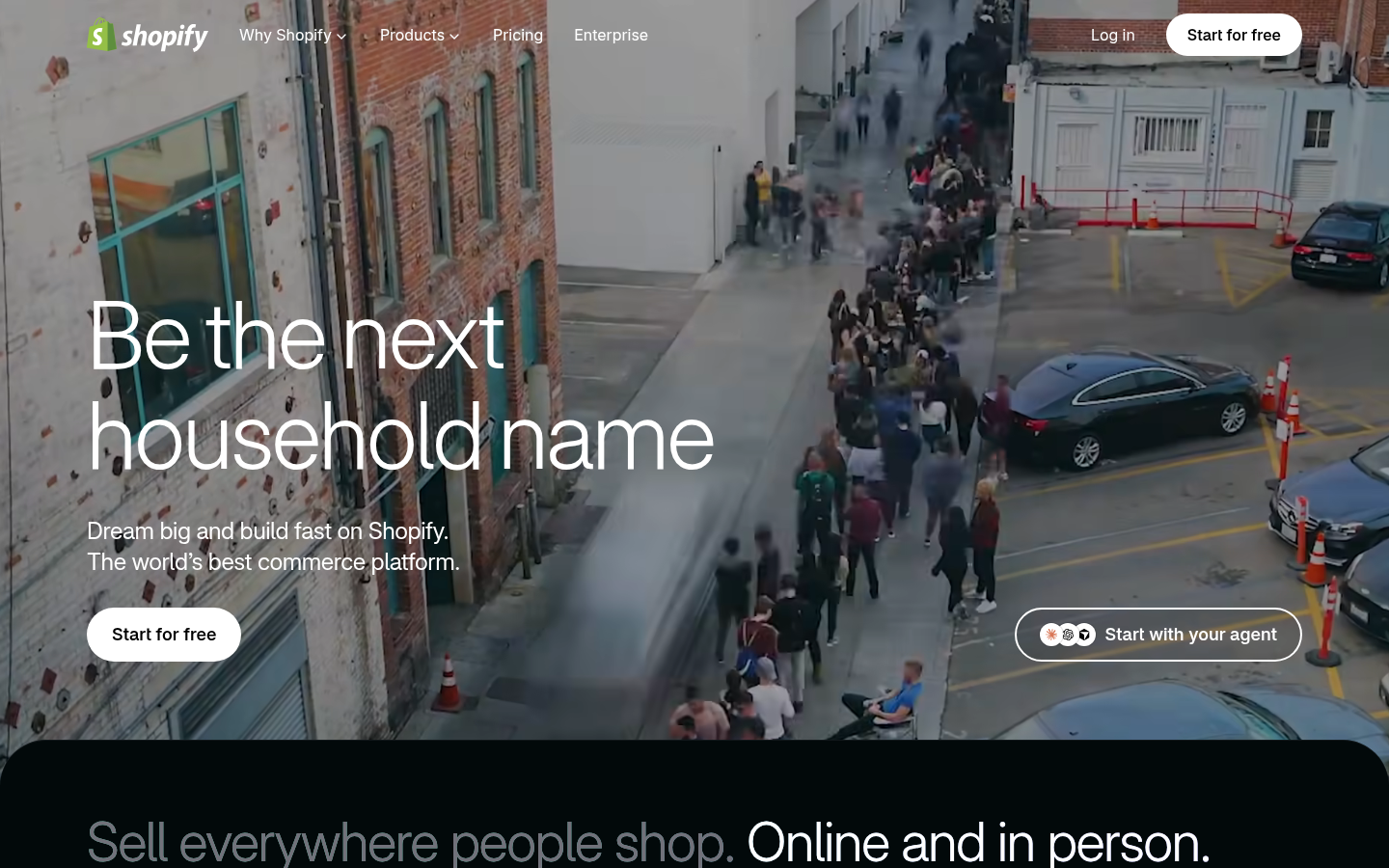

Shopify
- Per-variant images and alt text are handled in the product admin, which matters once a listing has colors or sizes
- Accepts images up to 5000 x 5000 px and converts them to several sizes and the best format for each visitor automatically
- Video and 3D models can sit in the same media gallery as photos when the theme supports them
- Large app ecosystem, so batch editing or background tools can plug in without rebuilding the store
- Native photo editing is light, so most sellers still need an outside tool or app before upload
- Entry price of $29/mo is higher than Squarespace Basic, and apps add monthly costs on top
- Themes give more control but need more setup to look as polished as a photo-first Squarespace template
The stronger base once photos multiply across variants and channels.
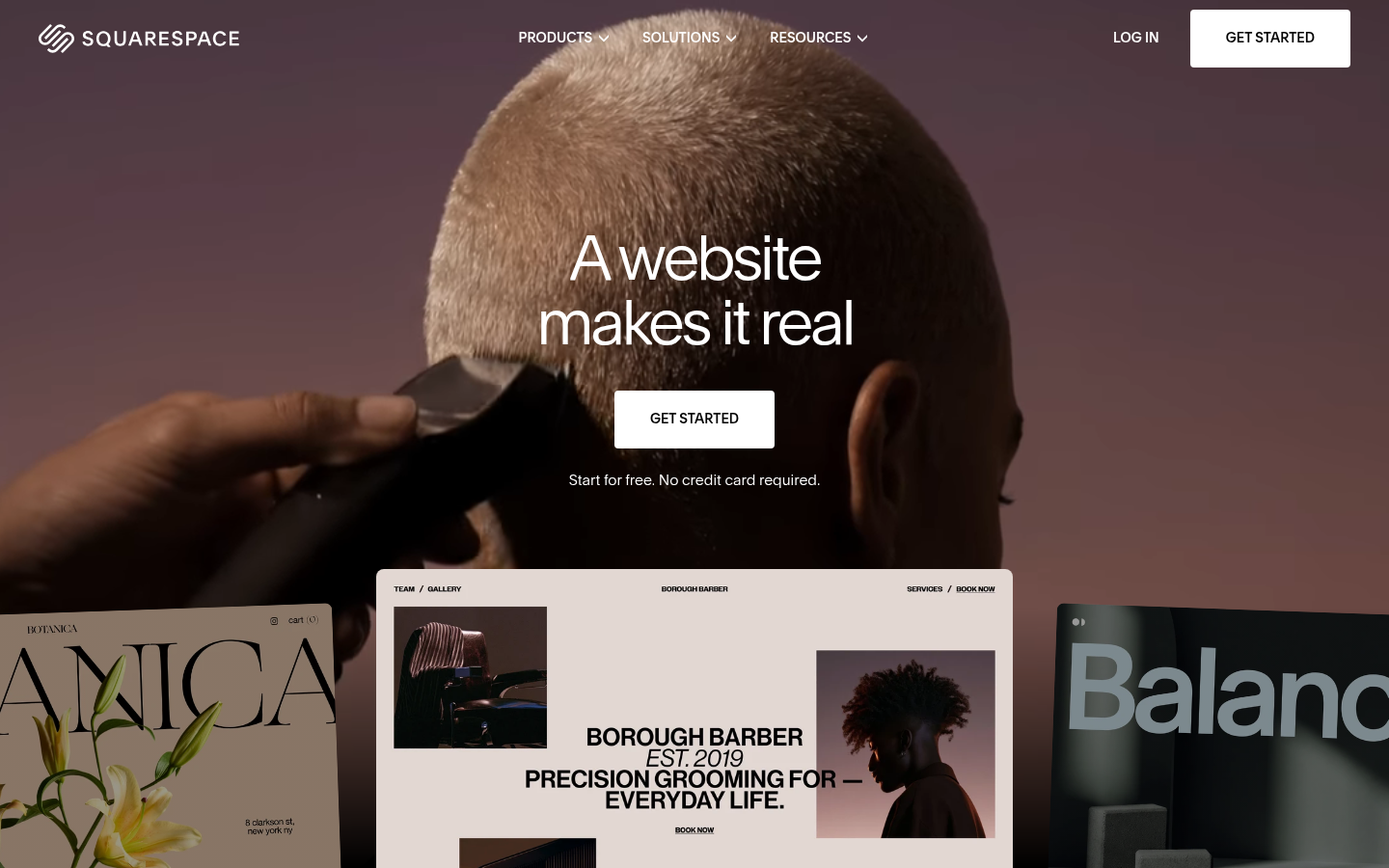
Squarespace
- Templates are built around large, full-bleed photography, so a good shot looks good with little layout work
- Cheapest entry at $19/mo on annual billing, with a 14-day free trial
- AI credits come bundled in every plan, so there is no extra app subscription for basic AI help
- Core and above carry no platform fee on store transactions and add automated taxes and shipping
- The entry Basic plan charges a 2% transaction fee, which erodes the price advantage as sales grow
- Catalog and variant tooling suits a small to mid-size store better than a large one
- Gallery cropping and aspect ratio follow the template, so mixed-orientation photos can need reshooting or editing first
The better pick when the catalog is small and the photos are the product.
At-a-glance
| Shopify | Squarespace | |
|---|---|---|
| Starting price (annual billing) | $29/mo Basic, $79/mo Grow, $299/mo Advanced | $19/mo Basic, $29/mo Core, $49/mo Plus, $99/mo Advanced |
| Platform transaction fee | None listed on the pricing page; card rates from 2.9% + 30 cents on Basic, down to 2.5% on Advanced | 2% on Basic, none from Core up; card rates from 2.9% + 30 cents, down to 2.5% on Advanced |
| Image upload limits | Up to 5000 x 5000 px (25 megapixels) and under 20 MB; 2048 x 2048 px suggested for square shots | 20 MB per file; uploads of 500 KB or less recommended for speed |
| Product media beyond photos | Video and 3D models on supporting themes, alt text and per-variant images in the admin | Product gallery with template-controlled cropping and aspect ratio |
| Built-in AI | Sidekick assistant included on every plan | AI credits bundled: 10 one-time on Basic, 20 per month on Core, 40 on Plus, 120 on Advanced |
| Aggregated user ratings | 4.5 on Capterra (6,722 reviews), 4.4 on G2 (5,146 reviews) | 4.6 on Capterra (3,430 reviews), 4.4 on G2 (1,137 reviews) |
Verdict
Shopify wins for sellers whose catalog and photo library will keep growing: variant images, video and 3D media, and an app store for editing give it more room. Squarespace is the better call for a small, photo-led shop that wants a template to frame each shot and a lower entry price. The gap is narrower than the scores suggest, so match the platform to your catalog size, not the brand.
How we tested
This comparison uses the public pricing pages of both platforms, Shopify's help-center documentation on product media and image requirements, Squarespace's published plan limits, and aggregated user ratings from Capterra and G2, all checked in October 2026. We also captured each homepage on 1440 x 900 for the screenshots above. We did not build and run a live store on each platform for this cycle, and we did not run a same-photo before/after test. Scores are editorial judgments of documented capabilities for sellers who rely on product photography, not lab measurements. Prices are USD on annual billing and exclude promotions. Shopify is an affiliate partner of this site; Squarespace is not, and the score gap is small enough that either could win for the right shop.
Shopify vs Squarespace for a photo-led store: pick Shopify if the catalog will grow, Squarespace if it will stay small and the photos carry the sale. Shopify starts at $29/mo, Squarespace at $19/mo on annual billing. Both take images up to 20 MB, so the real question is what each platform does with the file after upload.
Which platform handles product photos better?
Neither platform edits your photos for you in any depth. What differs is the container around them.
Shopify documents a clear spec: images up to 5000 x 5000 px (25 megapixels), under 20 MB, with 2048 x 2048 px suggested for square shots. It then generates several sizes and serves the best format each visitor's browser supports. PNG is its preferred file type, followed by JPEG.
Squarespace gives you the same 20 MB ceiling and asks you to keep uploads at 500 KB or less for speed. The templates then crop and frame the image for you. That is a real help when your source photos are already good, and a limit when they are not.
In practice, Shopify rewards a tidy export pipeline. Squarespace rewards starting with a strong shot.
How do the prices compare once you sell?
On annual billing, Shopify runs $29, $79 and $299 a month across Basic, Grow and Advanced. Squarespace runs $19, $29, $49 and $99 across Basic, Core, Plus and Advanced. Shopify's pricing page advertises a 3-day trial followed by $1 a month for three months. Squarespace offers 14 days free.
The sticker price hides one detail. Squarespace Basic charges a 2% fee on store transactions, and that fee disappears from Core upward. If you expect real sales volume, compare Squarespace Core at $29 with Shopify Basic at $29, not the $19 headline.
Card rates start at 2.9% plus 30 cents on both platforms and fall to 2.5% on the top tier of each.
What does each platform's built-in AI do for photos?
Shopify includes the Sidekick assistant on every plan. Its pitch is commerce help, such as analytics and store tasks, not photo transformation. Squarespace bundles AI credits instead: 10 one-time on Basic, then 20, 40 and 120 per month as you move up the plans.
This is where the photospells angle matters. Neither bundle replaces a dedicated transformation step such as a season swap or a scene change. For that, you still bring a photo tool and upload the result. The platform decides how well the finished image is displayed, not how it was made.
Works best on: Squarespace when you edit first and upload final shots. Shopify when you expect to swap many images across variants later.
Where do variants and large catalogs change the answer?
A single hero shot per product is easy anywhere. The problem starts at 12 colors and 4 angles each.
Shopify handles this in the product admin: images attach to individual variants, alt text is a field, and thumbnails can be replaced per media item. Video and 3D models live in the same gallery on themes that support them. Shopify's help center notes that you need a compatible theme for those two media types.
Squarespace suits a store where each product has a handful of images and the template controls the grid. Gallery cropping and aspect ratio follow the template, so a catalog with mixed portrait and landscape shots may need editing before upload.
What do reviewers say about each platform?
Aggregated ratings are close. Shopify scores 4.5 on Capterra across 6,722 reviews and 4.4 on G2 across 5,146. Squarespace scores 4.6 on Capterra across 3,430 reviews and 4.4 on G2 across 1,137.
Treat the ratings as a reading on general satisfaction, not photo performance. Neither site's review pool isolates product-image handling, and Trustpilot scores for both brands mix store shoppers with merchants, so we left them out of the scoring.
What breaks first on each platform?
Every comparison needs one honest friction. On Shopify, it is setup depth: a polished photo-first look takes more theme work and often an app or two, and those add monthly cost. On Squarespace, it is scale: the entry plan's 2% fee and template-bound galleries start to pinch as the catalog and sales volume grow.
Neither problem is fatal. Both show up around the same point, when you move from a boutique shop to a business with inventory, variants and several sales channels.
What if neither platform fits?
Some sellers land outside the Shopify and Squarespace split. If you want a built-in background cutout tool, Wix ships one inside its media studio. If you expect hundreds of SKUs and want no platform transaction fees, BigCommerce deserves a look.
We cover both in our wider look at Shopify alternatives for photo-first sellers. The short version: the same rule applies. Match the platform to the number of photos you will manage a year from now, not the number you have today.
A quick way to test this before you pay: list your products, count the images per product, and count the variants. If the total image count is under a couple of hundred and every product has one or two angles, a template-led platform will serve you well. If the total is in the thousands, or each product has a color and size matrix, you want variant-level image control and an editing pipeline that can run in batches.
Which one should you pick?
Pick Shopify if you sell more than a few dozen products, use variants, or plan to add video or 3D media later. Pick Squarespace if you sell a small catalog, your photography is strong, and you want the template to do the framing at the lowest entry price.
Our scores reflect that split: Shopify 4.3, Squarespace 4.1. We rate documented capability, not brand loyalty, and Shopify is an affiliate partner here, which is why the methodology above names what we did and did not test.