Best AI note taking app in 2026: 6 tools compared and ranked
Summary
Looking for the best AI note taking app in 2026? We compared TicNote, Granola, Fathom, Fireflies, Otter.ai and Notion AI on price, how each one captures a meeting, and what it actually produces afterward, not just how well it transcribes. TicNote comes out on top because it turns notes into finished files instead of another summary to reformat yourself. Granola and Fathom remain the strongest picks for plain, private capture.
Six AI note taking apps compared on price, how they capture a meeting, and what they actually produce afterward: TicNote, Granola, Fathom, Fireflies, Otter.ai and Notion AI.
At-a-glance
| TicNote | Granola | Fathom | Fireflies AI | Otter.ai | Notion AI | |
|---|---|---|---|---|---|---|
| Starting paid price | $15-29/mo (paid tiers) | $14/user/mo (Business) | $16-20/mo (Premium) | $10-18/mo (Pro) | $8.33-16.99/mo (Pro) | $10 per 1,000 AI credits, on a paid Notion plan |
| Free tier limit | 300 transcription min/month | Unlimited notes, 30-day history cap | Unlimited recordings and summaries, no watermark | 800 min of storage/month | 300 min/month, 30-min cap per meeting | Free to try, AI credits limited |
| How it captures the meeting | Chrome extension, no bot invited, 120 languages | Records computer audio quietly, merges with your own typed shorthand | Bot joins the call and records video too | Bot auto-joins Zoom/Meet/Teams, 60+ languages | Live captioning bot inside Zoom/Meet/Teams | Records system audio inside the desktop app (beta), no bot |
| What it actually produces | Structured files via Shadow Agent: dashboards, slide decks, editorial calendars, mindmaps | Personal-voice notes plus an MCP connector into Claude, Cursor and other AI apps | Transcript, summary, and Ask Fathom chat across your whole call history | Transcript plus conversation intelligence: talk-time, sentiment, topic tracking | Transcript, auto summary, speaker identification | Transcript and structured notes landing directly on existing Notion pages |
| Key integrations | None yet beyond the Chrome extension itself | Notion, Slack, HubSpot, Attio, Zapier, API (Business tier) | CRM sync from the Business tier ($25-34/mo) | Salesforce, HubSpot, Zapier, Slack | Calendar sync, Zoom/Meet/Teams, Slack | Native to the whole Notion workspace: wikis, databases, tasks |
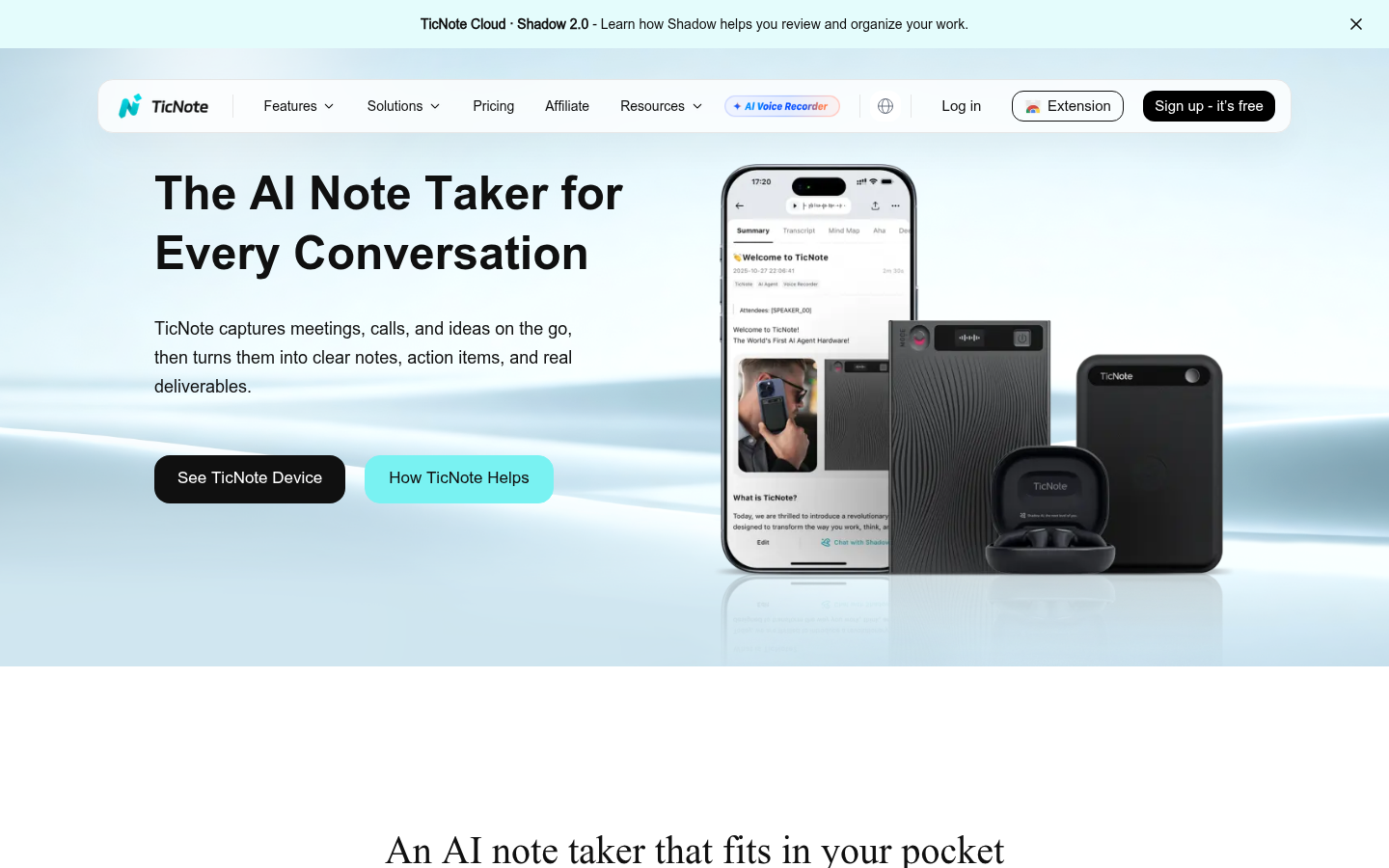
TicNote
- Shadow Agent exports real files: slide decks, dashboards and editorial calendars, not just text summaries
- 120-language transcription through a Chrome extension that never joins the call as a visible bot
- One workspace merges meetings, PDFs and YouTube videos into a single searchable project context
- Free tier caps out at 300 transcription minutes a month, tight for daily back-to-back meetings
- Shadow Agent needs a project set up first, and generic prompts still return generic-looking output
Best pick when the meeting note itself is not the deliverable, the report or deck built from it is.
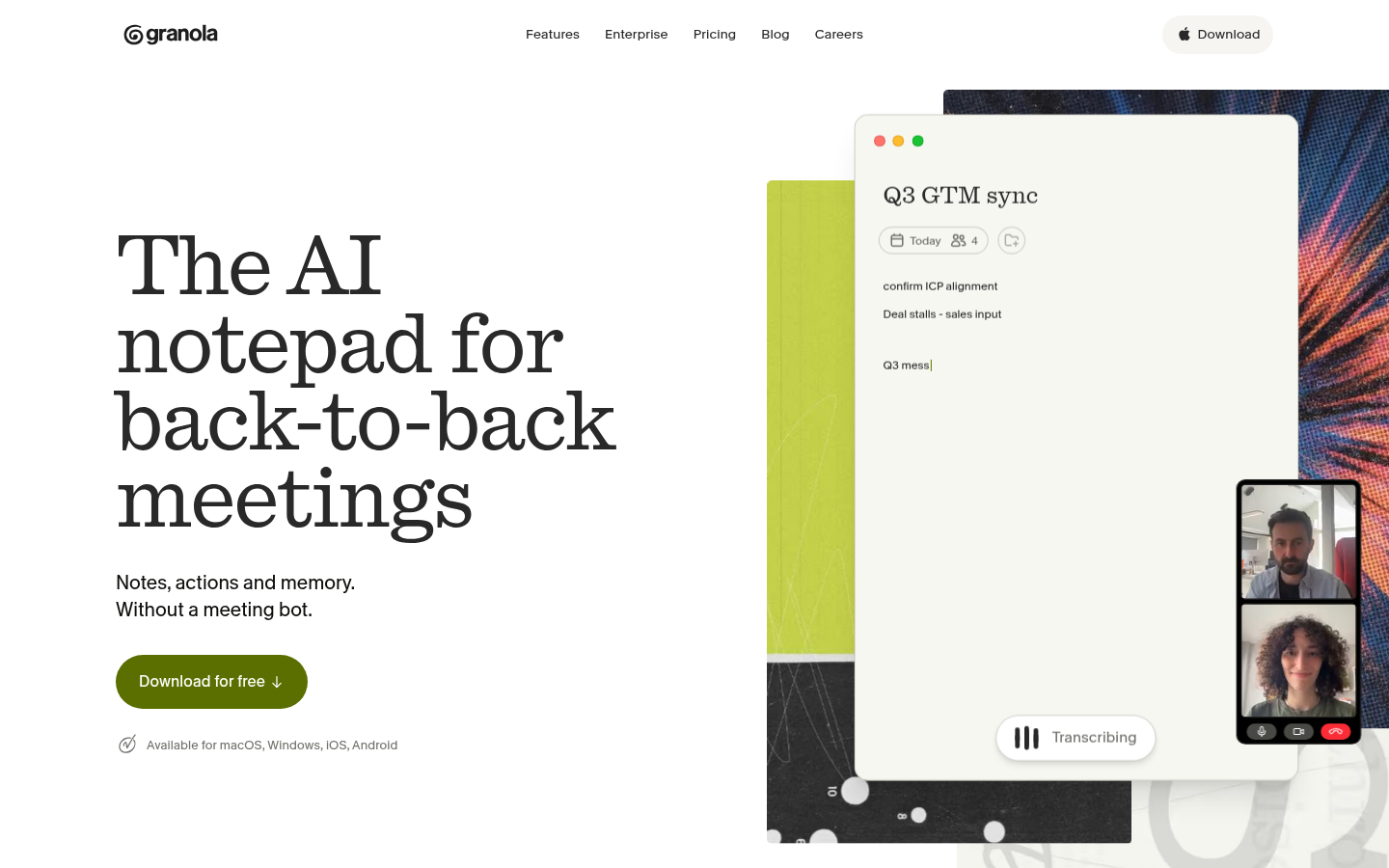
Granola
- No bot ever joins the call, it transcribes system audio quietly while you type your own shorthand
- Notes read like a human wrote them because your rough typing merges with the transcript
- MCP connector pipes meeting context straight into Claude, Cursor and other AI tools you already use
- Free plan caps meeting history at 30 days, older notes disappear unless you upgrade
- No call recording or video playback, a real gap next to Otter or Fireflies for reviewing tone
The best-feeling notes of the group, but plan around losing history past 30 days on free.
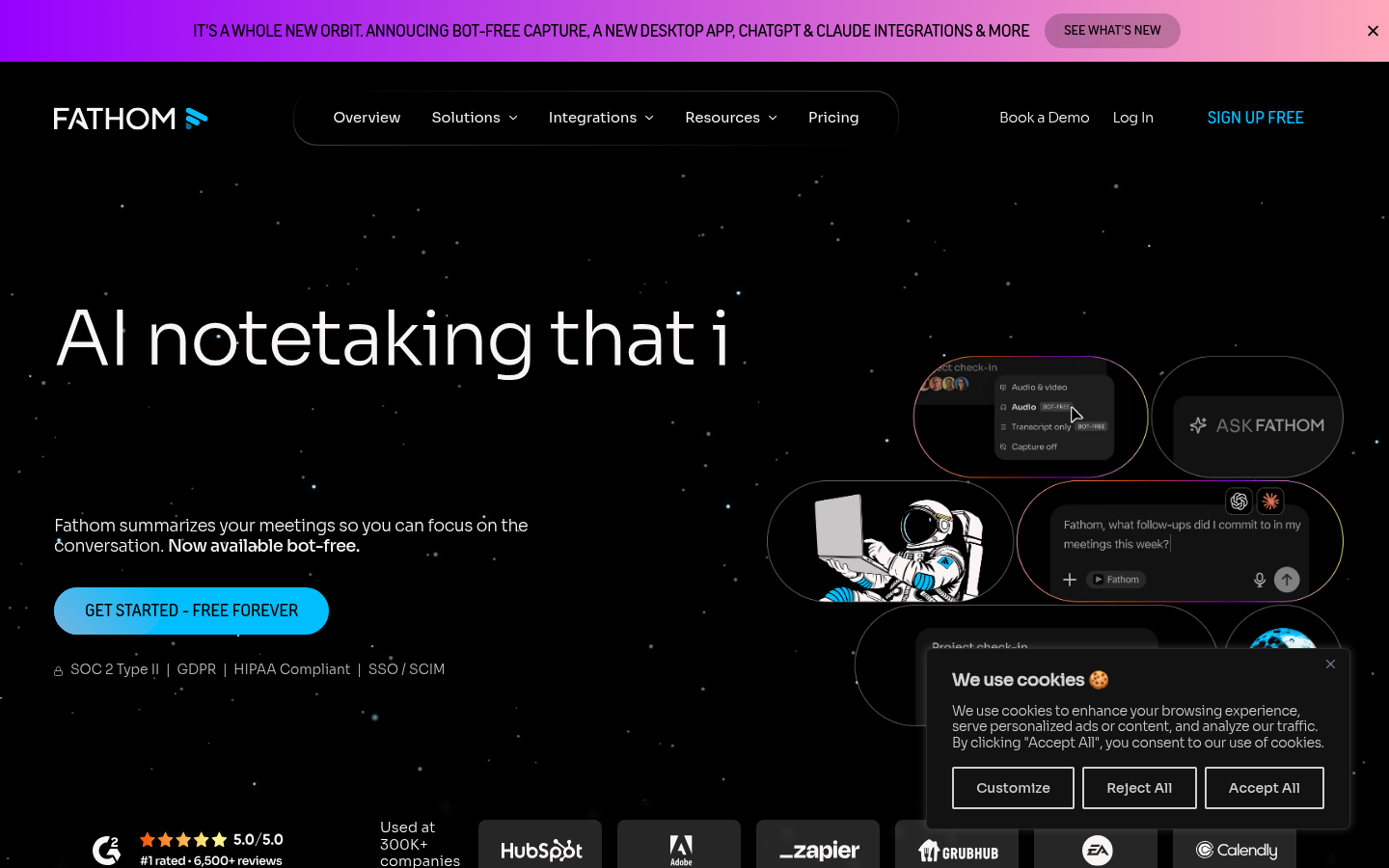
Fathom
- Free plan includes unlimited recordings, transcripts and AI summaries with no seat-limit trap
- Ask Fathom lets you query a single call or your entire call history in plain language
- Consistently high satisfaction scores on review sites for reliability across long call histories
- CRM sync and coaching scorecards are gated behind the pricier Business tier
- Team plans require a two-seat minimum, awkward for a single freelancer scaling slowly
Hard to beat on price for anyone who just wants solid notes without a business budget.
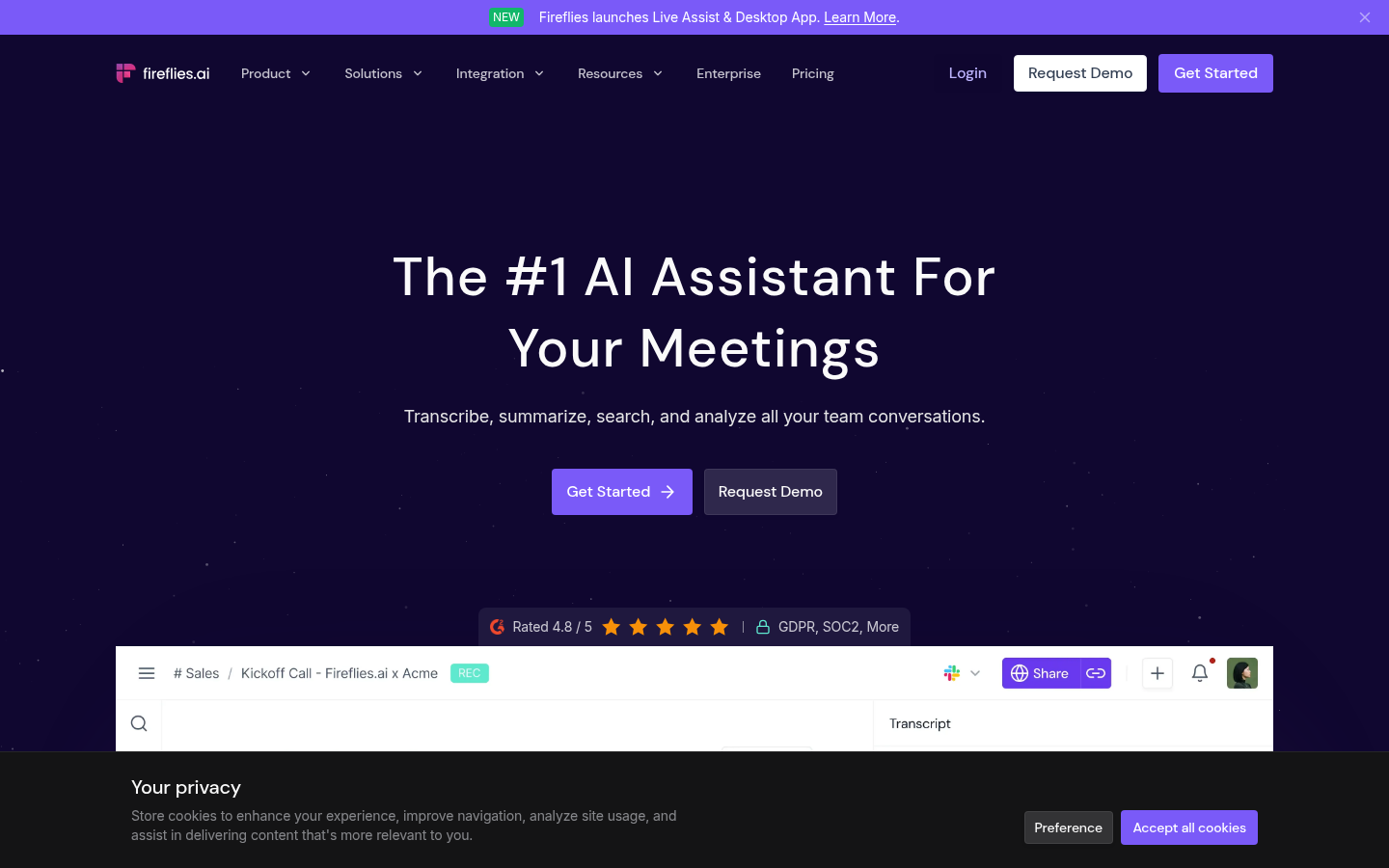
Fireflies AI
- Deep native integrations with Salesforce and HubSpot push call data straight into the CRM
- Talk-time ratio, sentiment and topic tracking give sales managers coaching data automatically
- Joins Zoom, Meet and Teams automatically and transcribes accurately across 60+ languages
- AI summary credits are metered even on paid tiers, and heavy users hit the ceiling fast
- The bot visibly joining every call can feel intrusive in smaller, informal meetings
The strongest choice when meeting notes need to feed a sales pipeline, not just an archive.
Otter.ai
- Real-time captioning and live chat inside Zoom, Meet and Teams while the meeting still runs
- Speaker identification with synced word-highlighting makes scrubbing playback fast
- Mature, polished mobile apps with widgets and Siri shortcuts most competitors still lack
- Free plan caps each individual meeting at 30 minutes even though monthly minutes remain
- AI Chat queries stay capped even on the Business tier, at 200 per user per month
Solid default for teams that just need reliable live transcription without extra structure.
Notion AI
- AI Meeting Notes records system audio directly inside the app your team already uses daily
- Transcripts and summaries land on Notion pages next to wikis and tasks, with zero context switch
- AI credits also draft, summarize and autofill pages beyond meetings, one subscription covers both
- Meeting Notes is still a beta feature and lacks the polish of dedicated notetakers
- AI usage is metered in credits on top of a paid Notion plan, and costs add up on heavy meeting days
Makes sense only if Notion is already the team's home base; a weak standalone choice otherwise.
Verdict
TicNote, Granola, Fathom, Fireflies, Otter.ai and Notion AI all call themselves an AI note taking app, but they solve different problems. TicNote wins this ranking because Shadow Agent turns a meeting into an actual deliverable, a deck, a dashboard, a report, not just a transcript. Granola and Fathom are the better everyday pick if all you want is clean, private notes without extra structure.
How we tested
We read the pricing, security and product documentation pages of all six tools in July 2026, cross-checked the free-tier limits directly against each vendor's current pricing page (caps change often in this category), and pulled aggregated satisfaction signals from G2 and Capterra where public review counts were high enough to be meaningful. We did not run a controlled multi-tool transcription-accuracy test across the same audio file for this round; where a tool's core claim is transcription accuracy or language coverage, we cite the vendor's own published figures and flag that distinction rather than presenting it as independently verified. Scores are the editor's synthesis, not an average of the source ratings.
TicNote, Granola, Fathom, Fireflies, Otter.ai and Notion AI all call themselves an AI note taking app, but they solve different problems. TicNote wins this ranking because Shadow Agent turns a meeting into an actual deliverable, a deck, a dashboard, a report, not just a transcript. Granola and Fathom are the better everyday pick if all you want is clean, private notes without extra structure.
Why "best AI note taking app" means something different depending who's asking
Search for this phrase and you get two very different families of tool mixed into one results page. Some products are meeting recorders: they join or listen to a call and hand you a transcript and a summary. Others are general note-taking or workspace apps that happen to have an AI layer bolted on. TicNote, Granola, Fathom, Fireflies and Otter.ai are squarely in the first camp. Notion AI is the odd one out here, a workspace with a meeting-notes feature attached, not the reverse.
That distinction matters more than any feature checklist. A sales team drowning in client calls needs CRM sync and talk-time analytics. A solo consultant who spends an afternoon in back-to-back client meetings needs the note to become a usable file by 6pm, not a summary they still have to turn into a deck themselves. A privacy-conscious founder taking a sensitive one-on-one wants nothing that looks like a bot on the call. Six products, six angles on the same search query.
How we ranked these six tools
We read the pricing, security and product pages of all six services in July 2026 and cross-checked free-tier limits directly against each vendor's current pricing page, since these caps shift often in this category. Where public review volume was high enough to be meaningful, we pulled aggregated satisfaction signals from G2 and Capterra. We did not run our own controlled transcription-accuracy test across an identical audio file for every tool this round. Where a vendor's core claim is accuracy or language count, we cite their own published figures rather than presenting them as independently verified, and we say so in the table above.
TicNote: the one built for what happens after the notes
Most of this category stops at the transcript-plus-summary stage. TicNote's Shadow Agent keeps going: point it at a project containing a meeting recording, a couple of PDFs and a YouTube keynote, and it generates an actual editorial calendar, an interactive dashboard, a slide deck, or a mindmap, exported as real files rather than another wall of AI-generated text. That is a genuinely different product shape from Otter or Fireflies, which stop once the summary lands in your inbox.
It is not free of friction. The free tier's 300-minute monthly cap is identical to Otter's, so it will not save a heavy meeting schedule money on its own. Shadow Agent also needs a project set up before it will generate anything, so it is not the tool for someone who wants to drop in, record one call, and leave. And the output quality tracks the prompt: a vague request back gets a generic-looking deck, the same way a vague ChatGPT prompt gets a generic answer. TicNote earns the top spot here for what it makes possible once you learn to prompt it well, not because it is the simplest tool in this list to pick up cold.
The mainstream picks: Granola, Fathom, Otter and Fireflies
If the deliverable is genuinely just "clean notes I can trust," three of these are hard to fault. Granola's trick is quietly transcribing your computer audio while you type your own rough shorthand, then merging the two into notes that read like you wrote them, not like a machine did. Founders at companies like Vercel and Linear have publicly praised exactly that quality. The catch is a 30-day history limit on the free plan and no call recording at all, so reviewing tone or exact wording later is not an option.
Fathom is the value pick: its free plan has no watermark and no artificial cap on recordings or summaries, which is unusually generous for this category. Fireflies is built for sales teams specifically, with native Salesforce and HubSpot sync and talk-time analytics that neither Granola nor Fathom's free tier match. Otter.ai remains the safest default for teams that just want dependable live captioning inside the call itself, not just after it ends, plus the most polished mobile app of the group.
Where Notion AI fits, and where it doesn't
Notion's AI Meeting Notes feature, still labeled beta, records system audio and drops a transcript and structured summary directly onto a page inside the workspace your team probably already uses for docs and project tracking. That zero-context-switch angle is real and useful for teams already deep in Notion. But it is a beta feature bolted onto a much bigger product, not a dedicated notetaker, and it currently lacks the speaker identification, coaching analytics and CRM integrations that the five purpose-built tools above have had for years. Pick it because you live in Notion already, not because it out-transcribes the specialists.
The honest limits, across the board
None of these six tools does everything. TicNote has no CRM integrations yet, a real gap if the meeting in question is a sales call. Granola has no recording playback. Fathom's most useful features sit behind its priciest tier. Fireflies' bot visibly joining a call reads as intrusive in smaller, informal settings. Otter's AI Chat allowance stays capped even on paid plans. Notion AI is still in beta. A workable answer for a busy 2026 workflow is often two tools, not one: a quiet, bot-free notetaker like Granola or TicNote for internal meetings, paired with a CRM-synced tool like Fireflies for external sales calls, because they are solving genuinely different jobs.
FAQ
What is the best free AI note taking app?
Does TicNote require a bot to join my meetings?
What does TicNote's Shadow Agent actually do?
Is Notion AI a real alternative to a dedicated meeting notetaker?
Which AI note taking app integrates best with a CRM?
Which tool has the best mobile experience?
Can any of these apps transcribe in multiple languages?
Do I have to pick just one AI note taking app?
Changelog · 1
- status_scheduled Status: published → scheduled